The Xzero library
Source you keep. Every state, both themes, and motion that makes sense.
375 items
Button Free
A clear, responsive action with quiet secondary states.
Action swap Free
Swap an action label while preserving its place and intent.
Action button Free
A compact button for frequent toolbar actions.
Split button Free
A primary action with a menu of nearby alternatives.
Button group Free
Related actions joined into one surface with hairline dividers: a hover highlight glides between segments, the pressed one answers in place, and an attached menu can close the row.
Floating button group Free
Separate soft buttons in a quiet tray, with one shared highlight that morphs from button to button as you move, and a pressed state that settles in place.
Expanding button group Free
Icon buttons in a compact group: the one you point at or focus grows to reveal its label while its neighbours slide aside, and an action confirms in place.
 D
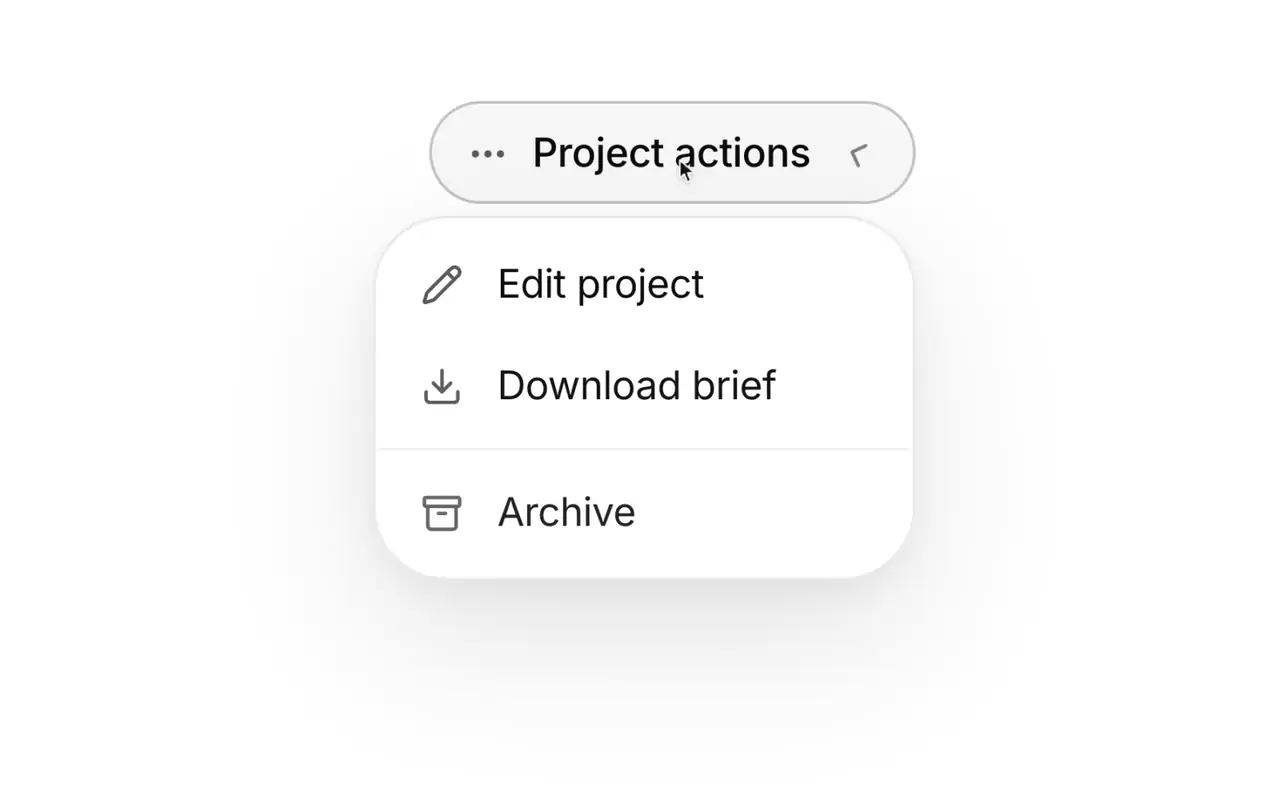
DDropdown menu Free
A focused list of actions anchored to a trigger.
Context menu Free
Secondary actions kept close to the selected object.
Copy button Free
Copy a value with immediate confirmation.
Drawer Free
A temporary side surface for focused work.
Theme switcher Free
Four smooth ways to move between light and dark appearance.
Eclipse Free
The next appearance crosses the page like an eclipse.
Split Free
The next appearance opens from a slim center seam.
Rise Free
The next appearance rises into place.
Avatar Free
A compact identity marker for people and accounts.
Avatar group Free
Show a team or set of contributors in a small space.
Input Free
A single line field with clear labels and useful states.
Textarea Free
A multiline field for notes, descriptions, and longer text.
Select Free
A compact choice field with a keyboard friendly menu.
Combobox Free
Search and select from a list without leaving the field.
Checkbox Free
A binary choice with a precise, legible state.
 S
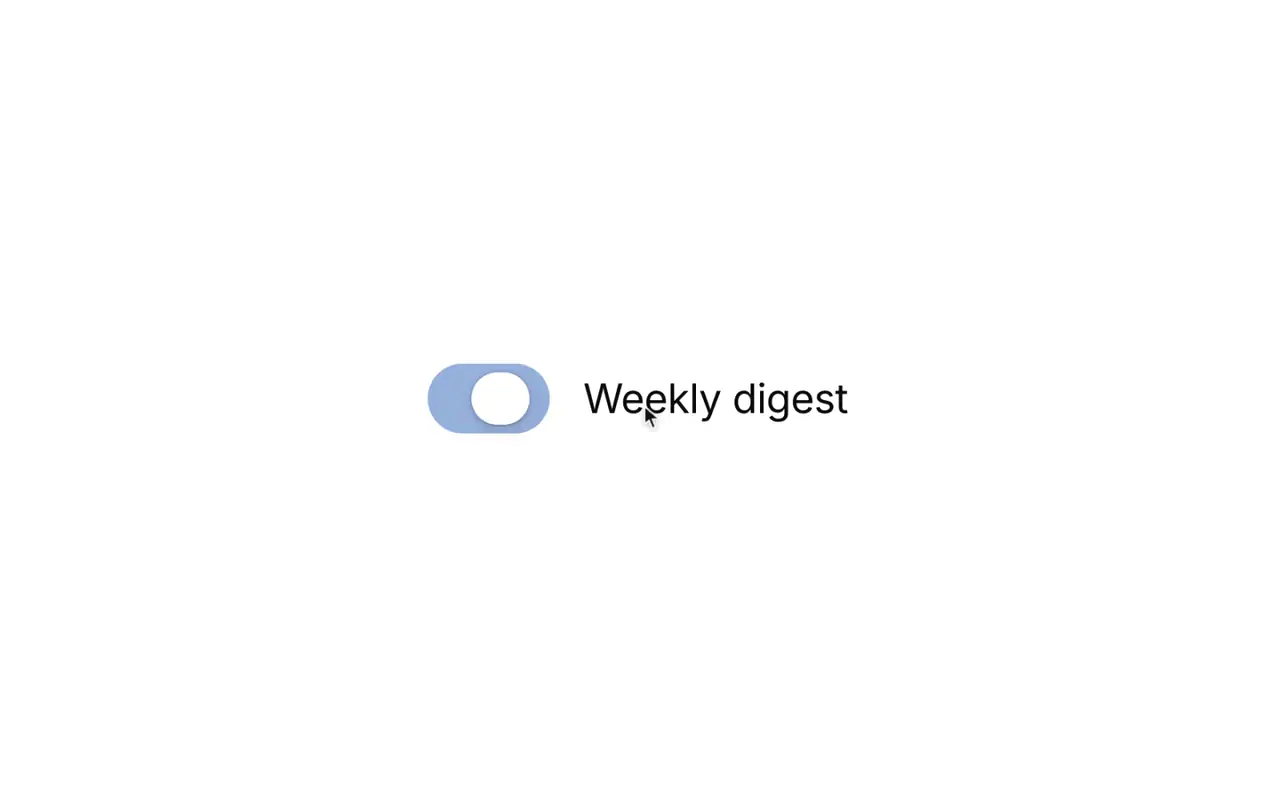
SSwitch Free
A tactile toggle for settings that take effect immediately.
Multi-select Free
Select several values while keeping the field readable.
Number field Free
Enter a bounded number with clear increment controls.
Password field Free
Capture sensitive text with a visible reveal control.
Search field Free
A recognizable search entry point with clear affordances.
Tag input Free
Turn short text values into removable tags.
File dropzone Free
A generous target for dropping one or more files.
Radio group Free
Choose one option from a visible set.
Segmented control Free
Switch between a small set of related views.
Calendar Free
Browse dates in a clear, compact month view.
 D
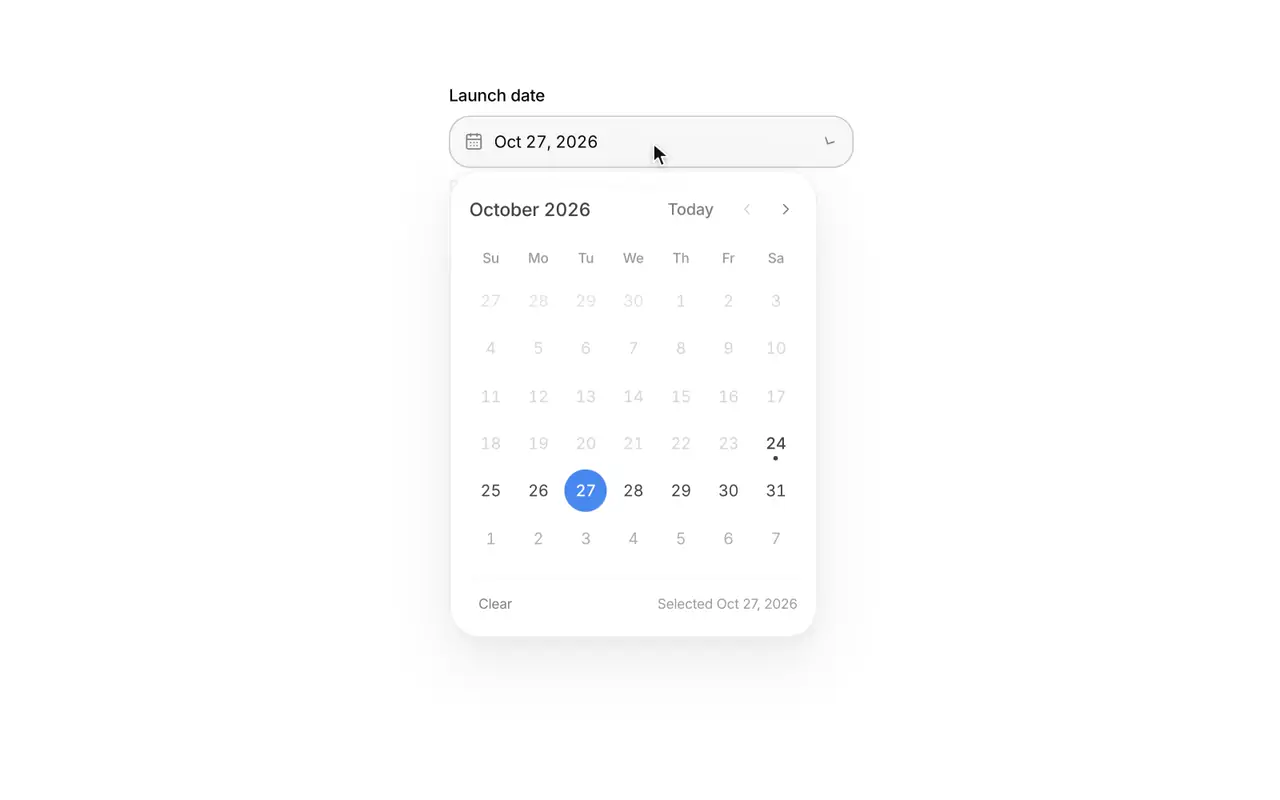
DDate picker Free
Choose a date without losing context.
Time picker Free
Choose a time with sensible keyboard behavior.
Accordion Free
Progressively reveal supporting information in place.
 D
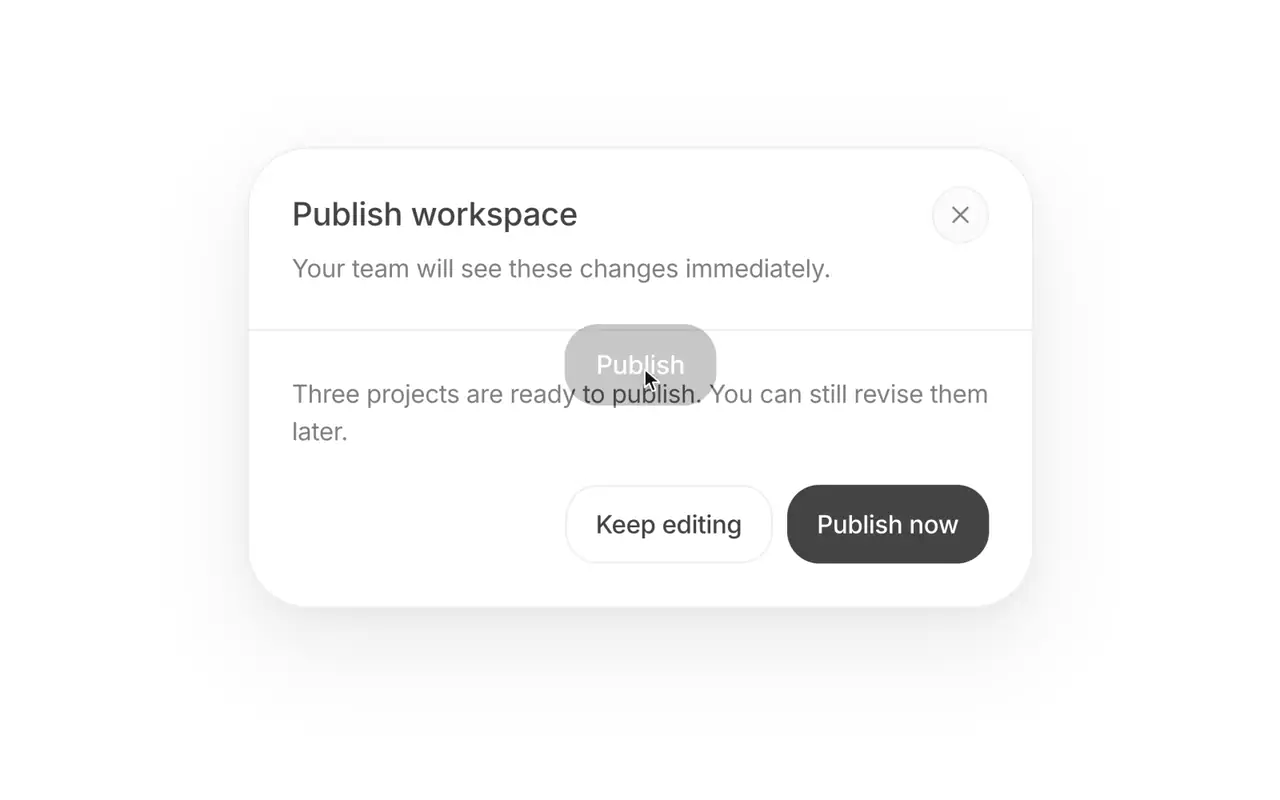
DDialog Free
A focused surface for decisions that need attention.
Popover Free
A small anchored surface for contextual information.
Tooltip Free
Short supporting text for unfamiliar controls.
 T
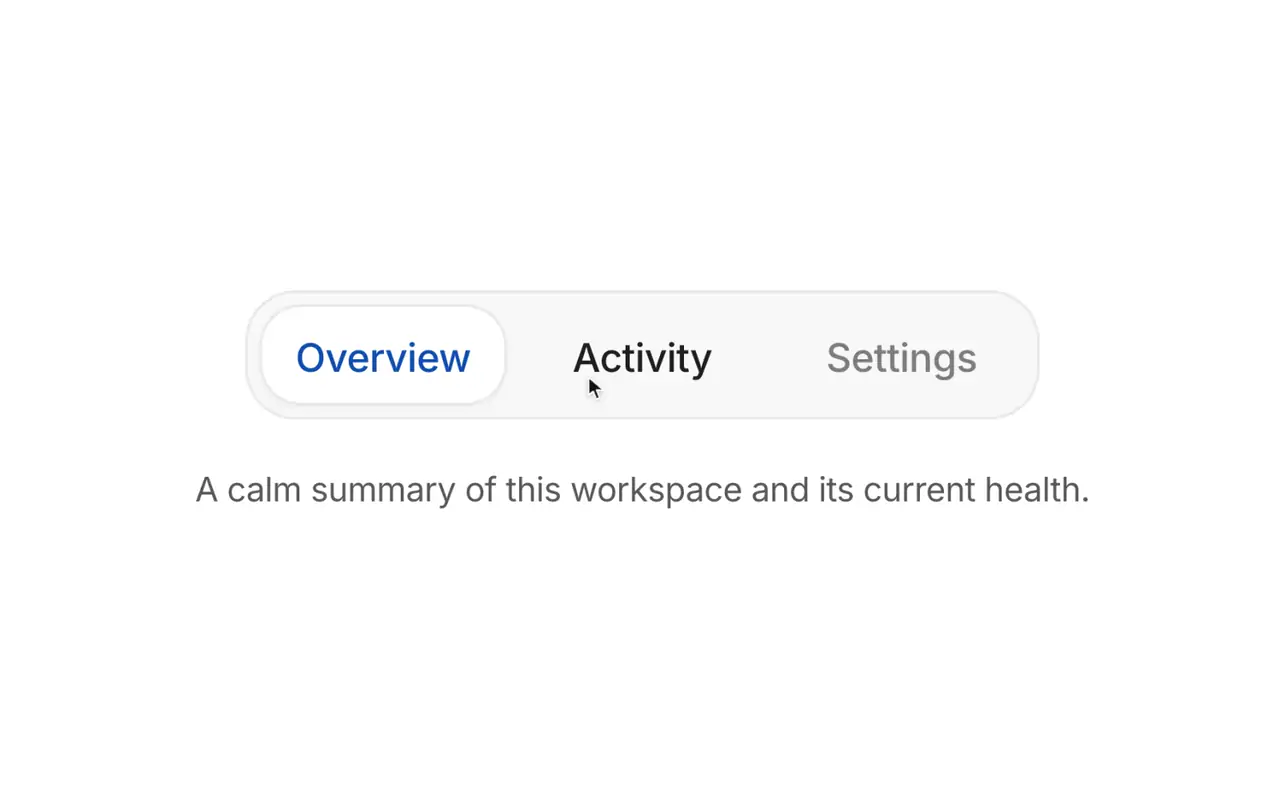
TTabs Free
Switch between related content in the same context.
Expandable card Free
Give a dense card more room when requested.
Breadcrumb Free
Show where a page sits in a hierarchy.
Alert Free
A persistent message that helps people recover or continue.
Toast Free
Brief confirmation for a completed background action.
Rating Free
A simple, accessible way to capture a numeric opinion.
Progress Free
Show how much of a known task is complete.
Skeleton Free
Reserve space while content is still loading.
Badge Free
A small label for status, category, or metadata.
Card Free
A contained group of related content and actions.
Metric card Free
A compact summary for a number that needs context.
Empty state Free
A useful next step when there is nothing to show yet.
Tree view Free
Navigate nested folders and structured content.
Pagination Free
Move through a long collection with clear bounds.
Filter toolbar Free
Keep collection filters close and easy to reset.
Sortable data table Free
Compare structured records with sortable columns.
Sparkline Free
Show a compact trend beside a value.
Gauge Free
Show a value against a known range.
Animated counter Free
Give changing totals a clear sense of movement.
Code block Free
Present code with legible hierarchy and copy access.
Reorderable list Free
Organize items with direct drag and drop.
Text reveal Free
Reveal a short piece of content with restrained motion.
In-view title Free
Bring a section title in as it scrolls into view.
Text morph Free
Morph a label into its next state, letter by letter.
Text shimmer Free
Show ongoing work with a calm light across the words.
Hold to confirm Free
Confirm a destructive action by holding, not tapping.
Swipe actions Free
Reveal row actions with a swipe, or from the same actions in a menu.
Reactions Free
Acknowledge a post in one tap, with counts that roll.
Slider Free
Pick a value or a range on a track that follows your finger.
 E
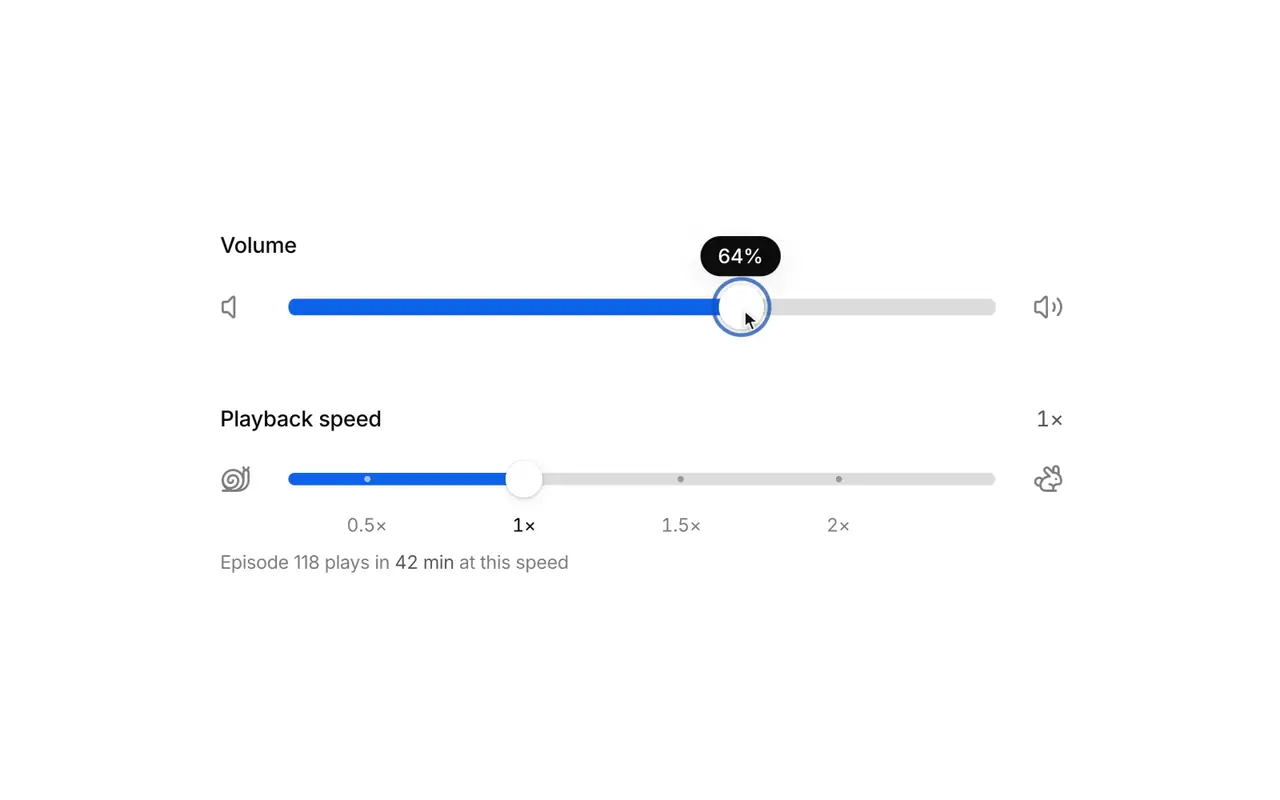
EElastic slider Free
A slider that stretches like rubber past its ends, with a swaying value tag and detents the thumb clicks into.
Range histogram slider Free
A price range over a live histogram of the data, lighting the bars inside the range and settling on bar edges.
Ruler slider Free
A tape of ticks that slides under a fixed needle, with momentum, snapping, and a rolling readout.
Inline edit Free
Rename in place: the text becomes a field without moving.
Expanding search Free
An icon that morphs into a search field with results beneath it.
Chip group Free
Filter by a few facets with chips that morph as you pick them.
Password strength Free
Show how strong a new password is while it is typed.
Bottom sheet Free
A sheet that rests at a peek or full height and follows your finger.
Hover card Free
Preview a person or link on hover or focus without leaving the page.
Resizable panels Free
Trade space between panes by dragging the divider between them.
 T
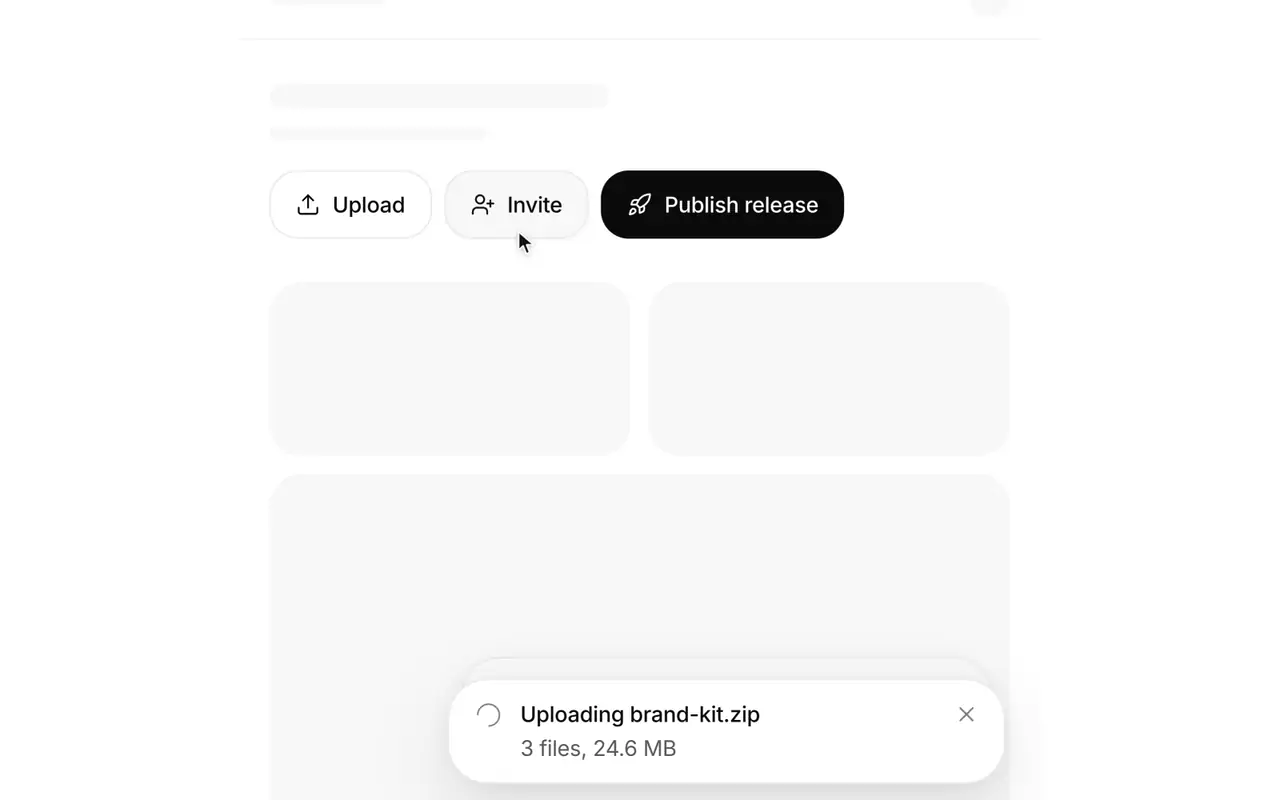
TToast stack Free
Stack short results at the edge until you reach for them.
Usage meter Free
Show what fills an allowance and how close it is to the limit.
Onboarding checklist Free
Guide a new workspace through setup, one step at a time.
Image compare Free
Drag a divider across two images to see what changed.
Carousel Free
Browse a row of slides by dragging, flicking, or arrowing through them.
Card stack Free
Review a deck one card at a time, with a throw and an undo.
Morph nav Pro
A navigation bar that morphs into rich menus, search, and a compact state as one surface.
Dock Pro
A floating tool dock with a gliding label, a springy selection, and trays that grow out of it.
 W
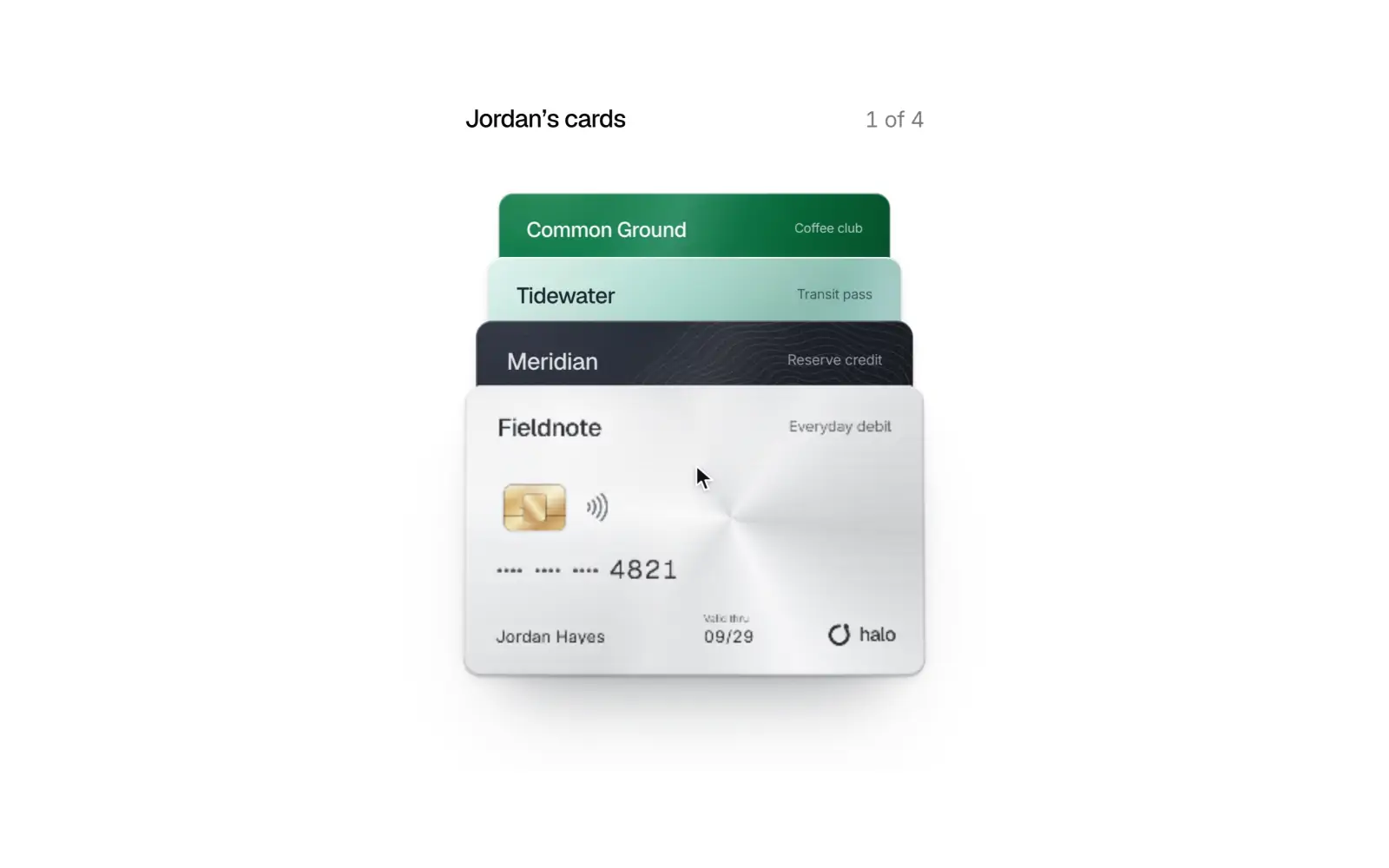
WWallet stack Pro
Fan a stack of cards and lift one out to see its activity.
 L
LLiquid tab bar Pro
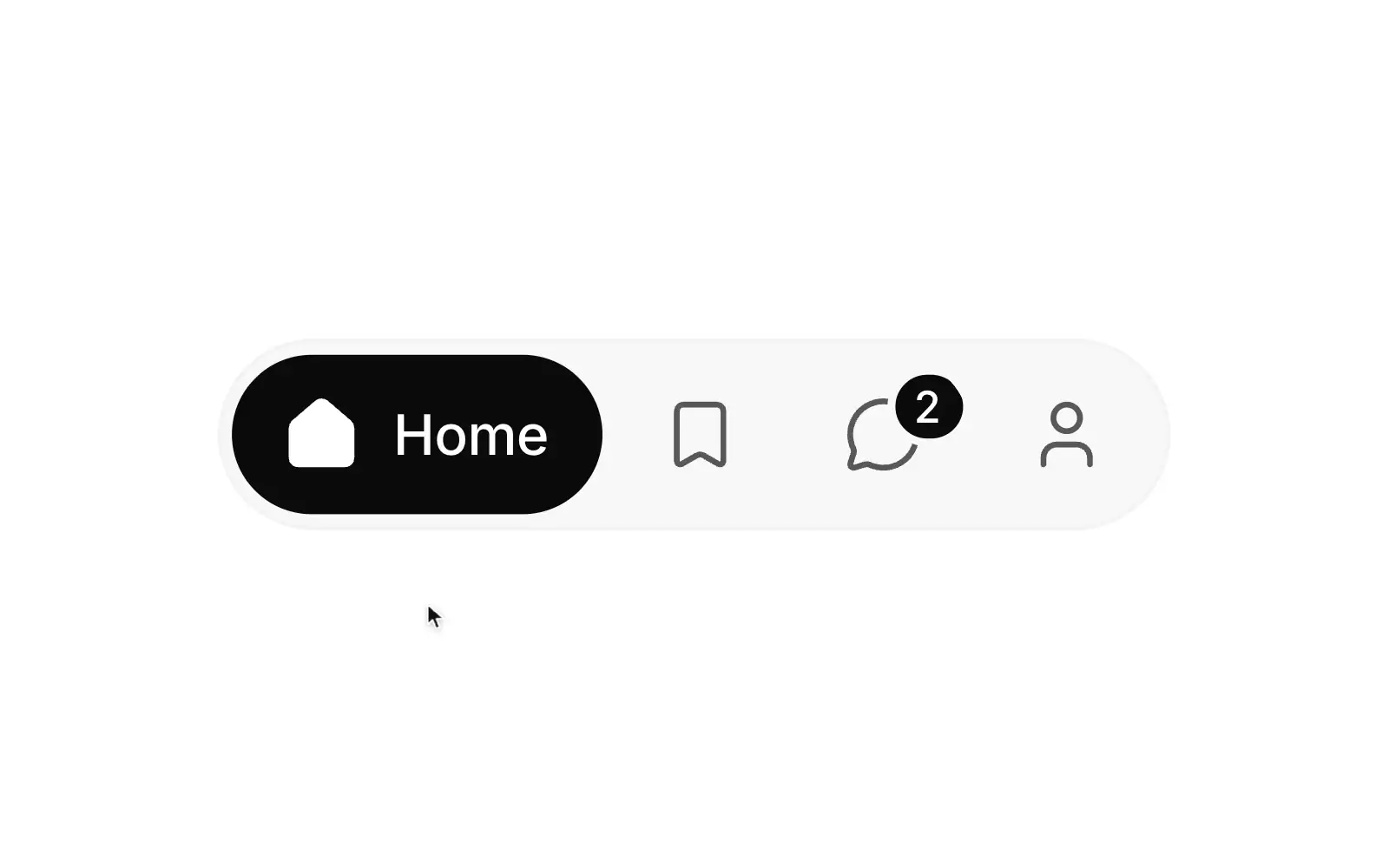
Tabs with a lens selection that slides between them, swaps labels cleanly, and fills in icons as it passes.
Now playing Pro
Grow a mini player into the full player in one continuous morph.
Photo grid Pro
Pinch through zoom levels and open any photo straight from its cell.
Control center Pro
Workspace quick settings: tiles that morph into detail, a duration dial, and rubber-banded meters.
 C
CCover flow Pro
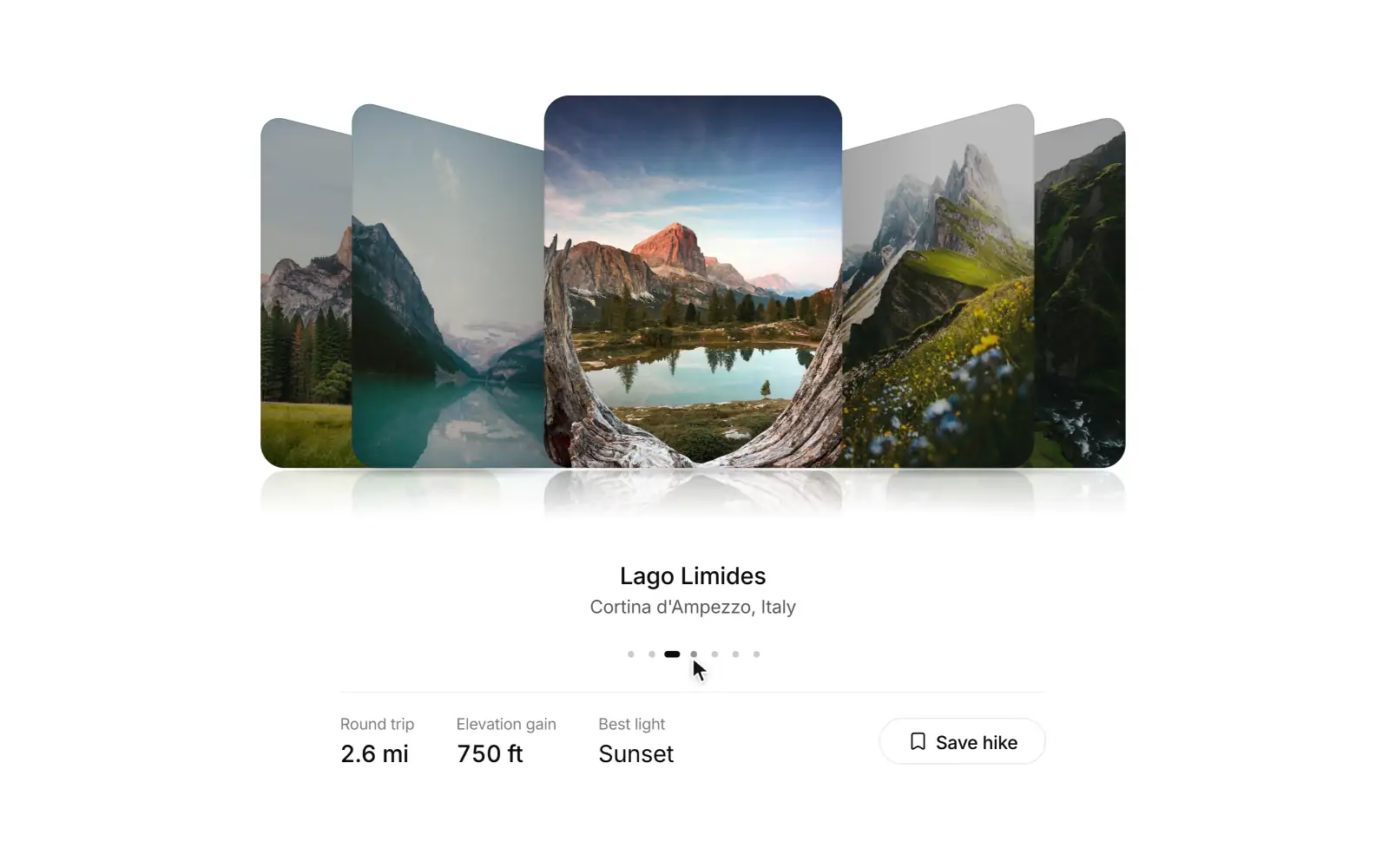
A depth rail of images you can throw, with soft grounded shadows and a quiet reflection.
Activity rings Pro
Daily goals as tick rings that sweep, count up, and trace a second lap past 100%.
Bar chart Free
Compare one measure across days and scrub any bar for its value.
Activity heatmap Free
See a year of activity at a glance, one square per day.
Timeline Free
Follow what happened, newest first, grouped by day.
Stretch refresh Pro
Pull a feed down and a line stretches to tell you when to let go.
Orbit menu Pro
Hold a button and its actions orbit out, ready to pick with a drag.
Time dial Pro
Spin a dial to pick an hour and see which team cities are at work.
Booking pill Pro
One pill that reshapes through party size, date, time, and a ticket.
Voice recorder Pro
Record with a live waveform, review and scrub, then send the take into the thread.
User menu Free
Your account, settings, theme, and sign out behind the avatar. Opens as a bottom sheet on phones.
Data grid Pro
A spreadsheet grid with range selection, inline editing, a fill handle, and animated sorting.
Lightbox gallery Pro
A masonry grid where photos zoom from their slot into a viewer you can swipe, pinch, and drag away.
Stepper Free
Show where a person is in a multi-step flow and what is done.
Morph loader Pro
Tiny loaders that morph between shapes and fold into a check or a cross when done.
Voice orb Pro
A voice mode orb that listens, thinks, and speaks, with a live transcript and call controls.
Signature pad Free
Smooth ink that thins with speed, with undo, replay, and PNG or SVG export.
Icon morph Free
Icons that morph between states: menu to close, play to pause, copy to check, and more.
Date range picker Free
A range picker that grows from its trigger into two months with presets and a stretching range highlight.
Color picker Free
A swatch that grows into a picker with format morphing, eyedropper, saved swatches, and contrast readout.
 M
MMorph select Free
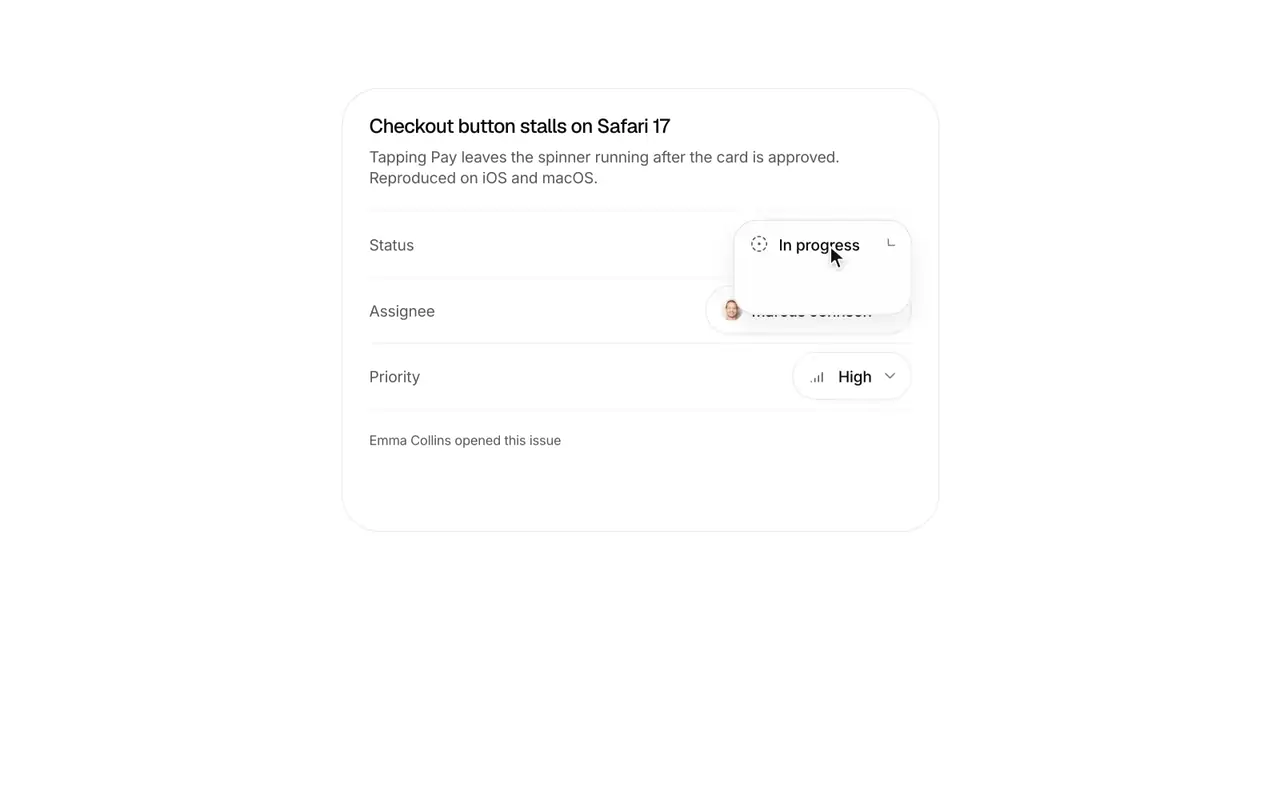
A select whose trigger grows into the list, with a gliding highlight and type-ahead.
Action morph Pro
A floating button that morphs into a quick-action menu, then an inline form, then back with a check.
Share sheet Pro
A Share button that opens into a panel with copy link, access level, channels, and people to send to.
Line chart Free
A multi-series line chart with a gliding crosshair, legend toggles, and paths that morph between ranges.
Donut chart Free
A donut whose arcs morph between datasets, with the active value rolling into the center.
Streamgraph Free
Layered streams on a wiggle baseline that morph between ranges, with a layer you can isolate and read week by week.
Brush chart Free
A dense time series with an overview strip: drag a window to zoom, resize it by its handles, and read events in place.
 R
RRace bar chart Pro
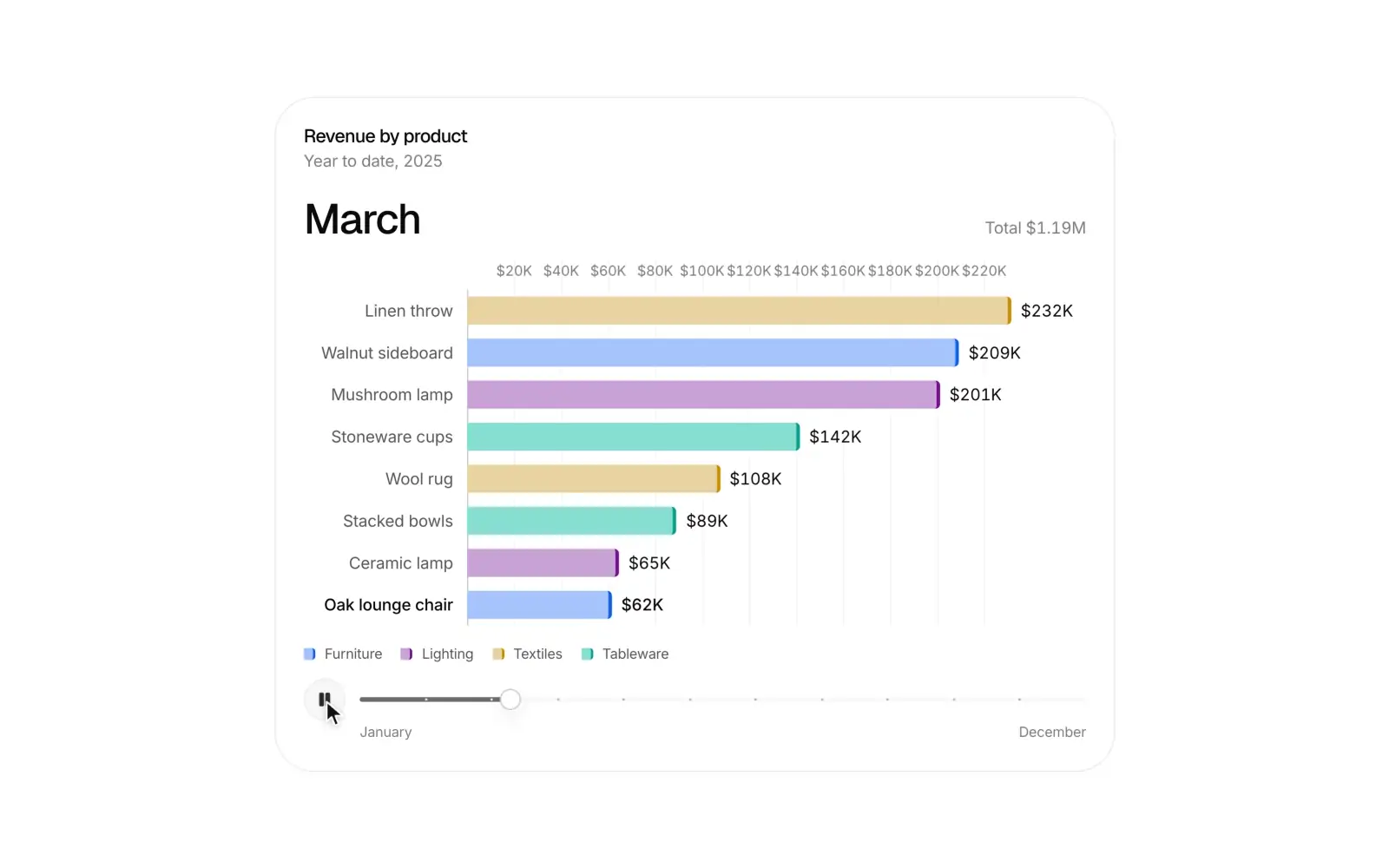
A ranking over time: bars overtake each other on springs, values count up, and a timeline you can play or scrub.
Ridgeline Free
Overlapping distributions, one ridge per group: hover to lift a ridge and read its quartiles, switch datasets and every curve morphs.
Treemap Free
A squarified treemap: click to drill and the tiles grow to fill the view, with a breadcrumb back and metrics that morph every tile.
Sunburst Pro
A hierarchy in rings: click a segment and every arc swings around it as the new centre, with a breadcrumb back and a rolling total.
Sankey flow Pro
Flows between stages as ribbons with drifting particles; hover any node or ribbon to pour its share through the whole journey.
Waffle chart Free
A ten by ten unit chart where every cell is one percent, and cells fly to their new group when the data changes.
Funnel chart Pro
A tapered conversion funnel with drop-off at every step, a device split that morphs the band, and dots that stream through it.
Radar chart Pro
Two or three profiles on one web: shapes morph when you swap a profile, and a sweep across the axes compares values in place.
Realtime stream Pro
A live line that scrolls at 60fps as readings arrive, holds still on hover to read, and pops a marker on every anomaly.
Slope chart Free
Before and after on two axes: lines draw in, rank moves sit beside each value, and switching datasets slides every line to its new slope.
Countdown Free
A launch countdown with rolling digits that morphs into a live state at zero.
Cookie consent Free
A consent bar that morphs into preferences and folds into a reopen button.
Announcement bar Free
A top banner that rotates messages, counts down, and collapses smoothly when dismissed.
JSON viewer Free
A collapsible JSON tree with search, paging for long arrays, and copy value or path.
Scrub input Free
A Figma-style number field: drag the label to scrub, or type values, units, and arithmetic.
Product gallery Pro
A product gallery with a hover magnifier, gliding thumbnails, and color and size variants that crossfade photos.
Tree table Free
A table with nested rows, tri-state selection, hierarchy-preserving sort, and lazy-loaded children.
Sheet stack Pro
Nested sheets that stack with depth, drag to dismiss, and become stacked dialogs on wide screens.
Phone input Free
A phone field with a country picker, formatting as you type, and E.164 output.
Money input Free
A currency field with live grouping, stable width, rolling digits, and minor-unit output.
Shortcut recorder Free
Record key combinations into key caps, with conflict warnings, Kbd, and a searchable cheatsheet.
Confirm morph Free
A destructive button that morphs into an inline confirmation, a spinner, and a result with undo.
Mention input Free
A textarea with @people and #channel mentions that act as single tokens, with suggestions at the caret.
Chat thread Free
A chat thread with grouped messages, reactions, read receipts, typing, and a composer with attachments.
Rich text editor Free
A lightweight editor with markdown shortcuts, a floating toolbar, a slash menu, and HTML and markdown output.
Billing toggle Free
A monthly and yearly switch with a savings badge and prices that roll to the new amount.
Scroll area Free
A native scroll container with thin overlay scrollbars and edge fades that appear only when content overflows.
Radio cards Free
Selectable option cards with a sliding selection ring, price and description slots, and radio keyboard behavior.
Comment thread Free
Threaded comments with replies, reactions, mentions, inline edit, and resolve.
Dot grid Pro
A dot field that bulges around the cursor like a lens and ripples from every click.
Holo card Pro
A member card that tilts toward you with a holographic foil and flips to its back.
Keycap keyboard Pro
Mechanical keycaps that sink and light up as you type, with the text above the board.
Slot text Free
Text and numbers that spin into their new value on staggered slot machine reels.
Sticker peel Pro
Peel stickers off a surface with a real curl, move them around, and stick them back down.
Page curl Pro
A small magazine you read by dragging page corners, with a real fold, lit curl, and flick to turn.
Image trail Pro
Moving the pointer leaves a curated trail of photos that pop in, lean, and fade away.
Black hole Pro
A delete transition that pulls the chosen items into a tiny singularity while the rest of the list bends around it; undo spins them back out.
Ink fluid Pro
A real time fluid simulation behind your hero: the cursor stirs soft ink that swirls, settles and fades; calm when left alone.
Glass menu Pro
A glass action menu whose trigger morphs into the panel, with a highlight pill that glides between rows, one in-place submenu, and full keyboard support.
Glass segmented Pro
A glass segmented control whose liquid indicator stretches between segments and can be dragged and flung.
Glass card Pro
A glass info panel over a photo whose rim catches a pointer-following highlight while the card tilts; tap to morph it into a detail sheet.
Glass tab bar Pro
A floating Liquid Glass tab bar that refracts what scrolls beneath it, with a glass lens that glides, magnifies and can be dragged between tabs, and an optional search bubble; it compacts on scroll down.
Card to article Pro
Story cards that open into full articles with one seamless morph and shrink back into their exact slot when dragged down.
Skeleton morph Pro
Loading skeletons that grow into the real content, block by block, instead of swapping.
Orbit logos Pro
An integrations showcase with brand logos orbiting your product mark on tilted rings. Hover or focus one to rest the orbit, draw a connection, and see what it does.
Sand text Pro
A headline made of sand that pours into the letters, crumbles where the cursor digs, and heals itself.
Gravity well Pro
A grid of tiles that bends toward the cursor like spacetime, with a click that sends a shockwave through it.
Data flow Pro
Data flow illustration. Sources (app, database, events) are on the left, a processing core with a live count sits in the middle, and destinations (warehouse, dashboard, alerts) are on the right. Records leave as hollow dots and travel curved paths. In the core they turn into solid accent squares, then fan out to each destination; alerts receives about every third record.
Payment flow Pro
A card tap goes to a processor, then the network, then the bank and back with authorization, then settlement; each hop lights up with a status label and the amount travels as a chip.
Prize wheel Pro
A referral or promo prize wheel you flick to spin, with real angular momentum, a flexible pointer that ticks against each peg, weighted segments set by the host, a slow suspenseful settle, and the won segment lifting into a reward card with a copyable code.
Date reel Pro
A 3D wheel date and time picker (like iOS reels) with momentum scrolling, snapping, curved perspective, and full keyboard support.
Model training Pro
Training data batches feed a small neural net diagram whose connections strengthen, a loss curve descends beside it, and an evaluation check turns green at the end.
Multi-region failover Pro
Animated multi-region failover on a 2.5D stage: users stream requests through a global load balancer to two regions; the primary degrades, fails three health checks, traffic shifts smoothly to the healthy region, then it recovers, passes three checks and traffic ramps back to an even split.
Vector search Pro
Documents drop onto a tilted embedding plane and fold into points that cluster by topic; the index links neighbours, a query is typed, embedded and lowered onto the plane, a signal hops along the graph toward it, and a widening ring lights the nearest documents with connecting lines, similarity scores and a ranked list.
Agent timeline Pro
A compact timeline of one orchestrated agent run: the orchestrator and its subagents share a time axis, handoffs draw in between rows, and a playhead replays thinking, tool calls and waiting while the header counts time, tokens and cost. Hover a span for what it did, or click it to trace its handoff path.
Typewriter terminal Pro
A terminal that types a scripted CLI session with a seeded human cadence, colors the shell syntax, and streams output lines, progress bars and spinners, with a scrubber, play/pause and replay controls.
Context window Pro
An AI context window as a grid of 200 cells: the system prompt, tools, files, summary and messages fill it in order, a threshold row marks where compaction starts, and sending a message, attaching a file or compacting shows exactly how much still fits.
Agent loop Pro
An illustration of the agent loop: gather context, take action, verify, repeat, with a bright head circling three stations around the model.
Mixture of experts Pro
An illustration of mixture of experts routing: each token is scored by a router, travels to its top experts, and their outputs merge into the token's result.
Speculative decoding Pro
An illustration of speculative decoding: a fast draft model guesses a few tokens, the target model checks them in one pass, and accepted guesses join the answer.
Agent status Pro
A compact live status pill for a running AI agent: the agent's mark in a live ring, the current activity and an elapsed timer, opening into the steps so far.
Tool call Pro
A tool call row for agent transcripts: the tool's mark and the call in plain words, a live state while it runs, and the input and output a click away, with approval and retry when needed.
Agent plan Pro
The plan an agent writes before it acts: edit, reorder or add steps while it is a draft, then watch it work through them as a live checklist.
Prompt cache Pro
An animated explainer for prompt caching: the shared prefix of each request is cached once, later requests read it back, and the cost and time saved add up.
Reasoning tree Pro
An illustration of tree search over thoughts: candidates are scored, weak branches fade, the best expand, and the winning path from question to answer draws in.
Reasoning block Pro
The collapsible thinking block of an AI reply. While the model thinks, a shimmering label counts the seconds and the latest reasoning streams underneath. When it finishes, it folds to "Thought for 7s" and opens to show the full reasoning as calm steps with headings.
Source cards Pro
A row of cited sources under an AI answer where cards stream in with real site marks while the model searches, the overflow collapses into a stack of favicons, hovering lifts a preview with the passage, and an inline [n] citation highlights its card.
Model card Pro
A model details card where switching models rolls every price, limit and score in place, a token slider estimates monthly cost live, and benchmark bars show each model's rank on hover. Compare crossfades to a side-by-side table against any rival with the better values marked, and the card never changes size.
AI workflow Pro
A Linear-style AI workflow card where a Gmail trigger, a Claude step, a branch and Slack and Linear actions sit on one hairline rail, and a test run glides down it, opening each step's output inline. Steps are added from a compact command menu with real app marks.
Code suggestion Pro
An AI code edit suggestion where the model's proposed changes stream into a small editor panel as inline diff hunks, and you accept or reject each one, or all at once with Cmd+Enter. Accepted hunks fold into the file with a smooth height change.
Ghost text Pro
An inline AI autocomplete where muted ghost text continues your sentence exactly at the caret and Tab turns it solid in place. Cmd+Right takes it one word at a time, Escape fades it away, and a calm chip shows the model behind it.
Image generation Pro
An image generation card where four images resolve as a pixel mosaic, from coarse colour blocks to full detail under a soft shimmer, each with its own progress ring. Pick one to upscale with a sweeping pixel band, vary or download it, with real provider marks and a built-in simulation.
Dictation button Pro
A chat composer with voice input, where the mic springs into a recording pill with a smooth live waveform, a timer, and cancel and insert buttons. Words stream into the field as you speak, muted until the recognizer settles them.
Speech player Pro
A read-aloud player for AI replies. The Read aloud button in the message's action row turns into a compact player with play, a scrubbable progress bar, speed and a voice picker, and a highlight follows the spoken word through the reply, karaoke style.
Meeting summary Pro
An AI meeting notes card: the header shows the Google Meet or Zoom mark, the attendees and the duration. Summary, Decisions and Action items stream in after a short summarizing pass. Hover any line to see the transcript quote it came from, then check off action items or send them to Linear or Notion.
Reply draft Pro
An AI email reply drafter where Claude streams a reply under a received Gmail message. Quick replies steer a fresh draft, tone and length rewrite it with a single crossfade, and you can edit the finished draft before you insert it.
Agent handoff Pro
A support conversation where an AI assistant hands off to a person. When it transfers, a card shows the summary it passes to the team and the typical wait. The person then joins and takes over, and a thin timeline on the left marks each step.
PII redaction Pro
A guardrail card where personal data is redacted before the prompt reaches the model. Scan marks each name, email, phone number and card with its type and swaps it for a placeholder like [EMAIL_1]. The safe prompt travels to Claude, and the reply comes back with the original values put back for the person.
Response feedback Pro
A feedback control for AI replies where thumbs down opens an inline panel with reason chips and an optional note, thumbs up fills and asks what was good, and a submit shows a short thank-you before folding back into the row.
LLM cost calculator Pro
A pricing calculator for LLM workloads. Set tokens per request, requests per day and prompt caching, and eight current models re-rank by monthly cost. Bars glide and prices roll as you drag.
Provider keys Pro
A settings card for bring-your-own-key AI products. Each provider row shows its real mark, the masked key, a status and when the key was last used. You can reveal a key for five seconds, copy, rotate or remove it with undo. Adding or rotating a key opens an inline form that checks the format as you type, then tests the connection before saving.
Generation stats Pro
A live stats strip for a streaming LLM response where time to first token, speed with a sparkline, output tokens and cost count up in tabular numerals beside the model's real mark, then settle and open into a latency and token cost breakdown.
AI translate Pro
A message card where picking a language streams the AI translation in place, sentence by sentence over the dimmed original, with a detected-language chip, a Show original toggle and a status line credited to the model's mark.
TL;DR toggle Pro
An article card with a Full, Summary and Key points switch and a length slider. Switching streams an AI summary in place of the article as the card's height springs to fit, and each key point links back to the paragraph it came from, which gets scrolled to and highlighted.
Connector setup Pro
A "Connect your tools" card for an AI assistant. Each app connects inline: it redirects, authorizes and runs a first sync with a progress hairline, then lists the scopes it was granted and offers Disconnect with an inline confirm.
Smart form fill Pro
A paste-to-fill form card where AI reads an email signature or messy notes and fills a contact field by field. Each value flashes in with a confidence dot, its source lights up in the pasted text, low-confidence guesses ask for review, and Undo puts the old values back.
Enrich column Pro
An AI enrichment column for a data table, where one prompt runs down every row and each cell shimmers while it works, then settles into a value with its source or a failure you can retry.
Ticket router Pro
A support ticket router where messages from Gmail, Intercom, Slack and Zendesk come in one at a time. An AI classifier labels each one with intent, sentiment and confidence, and the ticket moves into a team lane with an assignee. Low confidence tickets wait in a review lane, and one click there routes them to the suggested team.
Ask your data Pro
A natural language to chart card: you ask a question, PostgreSQL streams into a collapsible, syntax highlighted panel, the query runs with a rolling row count, and the answer builds as stacked bars, lines or a table, with a one line insight streamed in underneath.
Agent cursor Pro
A live document where Claude edits like a collaborator. Its labeled cursor comes out of its avatar, selects a paragraph and streams in a rewrite, adds a heading and fixes a typo, while a teammate's cursor reads along. Changes stay tinted until someone accepts or undoes them from a floating review bar.
Provider status Pro
A status card for the AI providers your product depends on. Each row shows the provider's real mark, its health as an icon and label, p50 latency and a 30-day uptime bar with a tooltip for each day. An incident row expands into its timeline of updates, and the card checks again on a visible countdown.
Training run Pro
A fine-tuning job card where a live train and validation loss curve draws across a fixed step axis that doubles as the epoch progress bar. It shows the learning rate, elapsed time, ETA and the latest evals and checkpoints, has Pause and Cancel while it runs, and ends in results with a Deploy button.
AI command Pro
A Cmd+K command palette with an AI mode. Search pages and actions, or press Tab to ask a question: the answer streams inside the palette with numbered sources, and the next steps it suggests, like filing a Linear issue or opening a Notion doc, run straight from the list.
Starter prompts Pro
A greeting and a grid of starter cards for the empty state of an AI app. The cards are grouped into Write, Code, Analyze and Plan tabs, and a shuffle swaps them with a short staggered crossfade. Picking a card fills the composer, and cards that use a connected app show its mark (Gmail, GitHub, Notion, Linear, Google Calendar).
AI mascot Pro
A small assistant character, a soft pebble with pill eyes and a companion dot, that shows what the AI is doing. It breathes and glances when idle, leans in to listen, looks up while the dot orbits its head, reads along the line it writes, squints with a sparkle when done and shakes once with worried brows on an error.
Image reveal Pro
An image generation canvas where a soft, blurred preview made from the image's own colors sharpens top to bottom behind a soft-edged band. It works the way ChatGPT, Midjourney and Gemini show images forming, with fine film grain, a translucent progress pill and calm queued and error states.
AI spark Pro
A brand-quality animated spark mark. Four tapered rays and four lighter diagonals breathe at rest, ripple while thinking, pulse like a heartbeat while writing, then gather and settle when done. Every status change blends from the pose the mark is already in.
Pixel mascot Pro
A pixel-art robot that shows what an AI assistant is doing. It idles, thinks, types, celebrates and errors in frame-stepped sprite animations, and stays crisp at every integer size from 24px to 192px.
Ghost mascot Pro
A floating ghost mascot whose soft sheet ripples at the hem while it hovers. It blinks when idle, turns toward you to listen, fades a little translucent while thinking, draws a tiny pen line while writing, smiles with a sparkle when done and wobbles once on an error.
Cube mascot Pro
An isometric cube mascot where three shaded faces and a painted-on face show what the assistant is doing. It turns a quarter turn in eased steps while thinking, prints lines onto the floor while writing, settles with a sparkle when done, and shakes once on error.
Tone tuner Pro
A brand voice card where two sliders (formality and detail) and Friendly, Confident and Empathetic chips rewrite a customer reply. Each changed sentence crossfades in place, new words can be highlighted against the original, and Copy takes the current version.
Upgrade prompt Pro
An upgrade nudge for the moment someone hits a limit. It shows a usage meter at 50 of 50 AI credits, a rolling price with a monthly and yearly toggle, three concrete unlocks with real model marks, and Upgrade or Maybe later. Upgrading leads into a success state with the new limits, and the card never changes size between states.
Referral card Pro
A give-and-get referral card where people copy or share their invite link, invite friends by email as chips, and watch invites move from invited to signed up to earned, with the credit total counting up and a milestone reward unlocking.
Trial banner Pro
A trial status banner where a ring counts down the days left, the copy names what the workspace loses, and the upgrade path is one click away. It comes as a slim banner, a sidebar card or a header pill. It shifts to a warning tone in the last days, has expired and upgraded states, and folds into the pill when dismissed or snoozed.
Team switcher Pro
A workspace switcher like Linear, Vercel or Slack. The trigger shows the current workspace's logo and plan. The menu has search, your role in each workspace and a Cmd+1 to 9 shortcut for each, and lets you create or join a workspace inline. A highlight glides between rows, and switching crossfades the trigger through a short loading state.
Live visitors Pro
A realtime visitors card where the live count rolls digit by digit, new arrivals ping in on a dotted world map, the top pages reorder with bars, and signups and upgrades tick in with country flags.
Social proof toast Pro
A stack of social proof notifications for landing and pricing pages, where recent trials, upgrades and verified purchases from people and companies arrive every few seconds. The stack pauses and fans out on hover, and visitors can dismiss any toast.
Install snippet Pro
A "get started in 30 seconds" card where framework tabs, three numbered steps and highlighted snippets take a developer from install to first event. Generate key wipes a fresh API key into the placeholder in place.
Link unfurl Pro
A composer where pasting a URL shows a loading shimmer on the link, then unfurls it into a rich preview card with title, image and favicon in one morph, which can be collapsed back to the inline link or removed.
Mega menu morph Pro
A site header whose menus share one floating panel. Moving between sections morphs its size, slides the next menu in from that side and glides the caret under the new trigger, with hover intent, a safe triangle and an accordion sheet on narrow screens.
Table of contents progress Pro
A table of contents that reads along with you: a line bends through the nested headings, fills as you scroll, and carries a marker to the current section, with smooth jumps and a time-left countdown.
Presence stack Pro
Avatars of the people here now: joins pop in as the stack reflows, a counter rolls past the limit, dots show typing and idle, and hover fans it out with a gliding name label.
Share access Pro
A share panel: invite people as validated email chips with suggestions, change roles from a compact menu, remove with undo, switch link access and copy the link, with every change landing in place.
Metric ticker Pro
A strip of live KPIs that roll to new values digit by digit and flash their change; rest on one to pause the strip and open its recent trend as a sparkline.
Split bar Pro
A single 100% bar split into shares: rest on a segment to widen it and read its exact figures, toggle segments from the legend and the rest reflow, with labels inside when they fit and on leader lines when they don't.
Undo toast Pro
Archive or delete rows with a second chance: the gap closes, a countdown toast merges repeat actions, and Undo or \u2318Z puts every row back exactly where it was.
Confirm popover Pro
A destructive button that grows into a small confirmation card, with the consequence, optional type-to-confirm, progress on the Confirm button, and a check or error before folding back.
Avatar upload Pro
Click or drop a photo onto the avatar to crop it in place with drag, pinch and zoom. It uploads through a progress ring and settles, with clear errors and retry.
Expandable text Free
Long text clamped to a few lines with a soft fade that glides open with Read more and closes with Show less, shown only when the text overflows.
Emoji picker Pro
A full emoji picker with instant search, scroll-synced categories, skin tones, recently used emoji, and a virtualized, keyboard-navigable grid.
Release readiness Pro
A launch checklist that keeps prerequisites, progress, and the final action together.
Sign up form Free
An account creation flow with field validation, password strength, and a clear completion state.
Wallet card Pro
A compact account view with balance, recent activity, and focused money actions.
Logo marquee Free
A quiet, continuously moving row of brand marks with a pause control.
Team directory Pro
Searchable people, team filters, and a focused profile panel.
Project board Pro
A living workflow board for moving work between stages.
Invoice studio Pro
An editable invoice with live totals and a clear save flow.
Plan comparison Free
Compare meaningful differences between plans and billing periods.
Availability picker Pro
Find a meeting time across people and see the choice come together.
Metrics dashboard Pro
A dense analytics view with KPI tabs, one inspectable chart, and top pages and sources.
Media player Pro
An audio player with a living playlist and complete playback controls.
Support conversation Pro
A responsive message thread with useful quick replies and live feedback.
 I
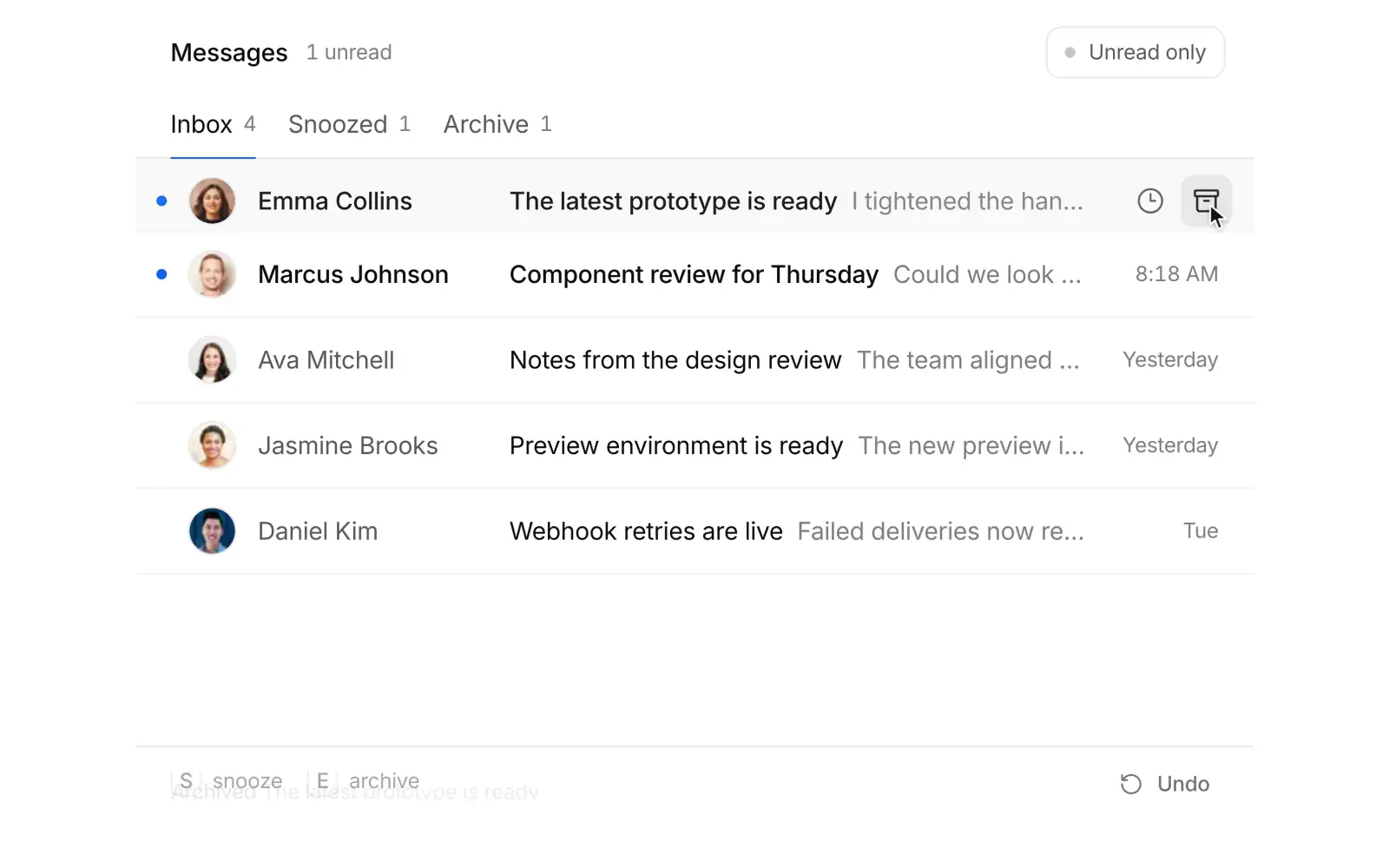
IInbox triage Pro
Process a focused inbox with archive, snooze, and restore actions.
 C
CCommand palette Free
A complete keyboard driven action surface with search, grouped results, and shortcuts.
Notification center Free
A home for updates with read state, grouped information, and animated disclosure.
Selection toolbar Pro
A contextual batch action surface that appears when items are selected.
File upload Free
A complete file selection flow with constraints, progress, and error feedback.
OTP input Free
A six digit verification flow with paste support and keyboard navigation.
Multi-step form Pro
A guided form that presents one decision at a time and preserves progress.
Team showcase Pro
An image led team introduction with profiles that open in place.
Studio perspectives Pro
Portrait led editorial stories with a focused reading state.
Changelog feed Free
Release notes you can filter, open in place, and scroll through month by month.
Usage pricing Pro
A pricing calculator that finds your plan as you drag seats and traffic.
Delivery tracker Pro
A live order tracker whose marker glides between stops while the arrival time rolls.
AI composer Pro
The prompt box at the bottom of an AI app: files upload in place, / opens commands, @ inserts mentions, a model and effort menu sits in the toolbar, and the send button turns into a stop control ringed by the reply's progress.
Sign in Free
A sign in card that morphs from email to a six digit code to your account.
Workspace sidebar Pro
A product sidebar with a workspace switcher, live search, draggable favorites, and inline projects.
Settings page Pro
Account settings with a gliding section nav and a save bar that morphs in as you edit.
Sidebar rail Pro
An app shell whose sidebar folds into an icon rail and slides in as a sheet on phones.
Onboarding illustration Pro
A compact onboarding card whose line illustration morphs from folder to files, team, and badge.
Docs sidebar Pro
A docs layout with a live filtering nav tree, version switcher, and a gliding on this page outline.
Integrations Pro
An integrations directory where Connect morphs to Connected and the filters recount as you go.
Billing overview Pro
A billing page where the plan card morphs into a picker and usage, invoices, and card follow.
API keys Pro
API key management where Create key unfolds into its form and each secret is shown once.
Inbox sidebar Pro
A mail sidebar whose Compose button grows into a composer and whose folders take dropped mail.
Team members Pro
A members list where typed emails turn into chips and fly into pending invites as seats roll.
Page header Free
A project page header that folds into a compact bar as you scroll, with tabs whose counts roll.
Revenue explorer Pro
A SaaS revenue chart you zoom with a brush while paths, axes and figures glide to the range.
Journey flow Pro
A Sankey of user journeys whose flows morph by channel and trace a cohort on hover.
Empty states Free
Four empty states in one illustration whose shapes morph between scenes as you switch tabs.
Centered login Free
A passkey-first login card on a quiet ring backdrop that morphs through email and code.
Immersive login Pro
A glass magic link card over dusk photography that folds its envelope shut once sent.
Security settings Pro
An account security page with guided two-factor setup, password change and active sessions.
Cancel flow Pro
A cancellation flow that answers each reason with a tailored offer and a calm hold-to-cancel.
Login split Pro
A full screen split login: an email-first form that morphs into a password step beside a photo.
Cohort retention Pro
A cohort retention triangle that morphs into retention curves and rewashes by segment.
Support widget Pro
An in-app help launcher that grows into live article search, reading, and a chat with your team.
Uptime status Pro
A status page with 90 day uptime bars, a morphing latency chart and an incident timeline.
Usage forecast Pro
A billing period usage chart with a forecast cone and a draggable budget that dates the crossing.
MRR waterfall Pro
An MRR bridge whose floating bars morph by period and open the accounts behind each move.
Webhooks Pro
A webhooks console with delivery history, a payload inspector and retries that roll the rate.
Roles and permissions Pro
A permissions matrix with group toggles that ripple, role duplication and a review bar.
Metric explorer Pro
KPI cards that open into a scrubbable chart and morph between metrics and ranges.
Activity terrain Pro
A 3D terrain of hourly activity you can orbit, zoom, fly into and flatten into a heatmap.
 R
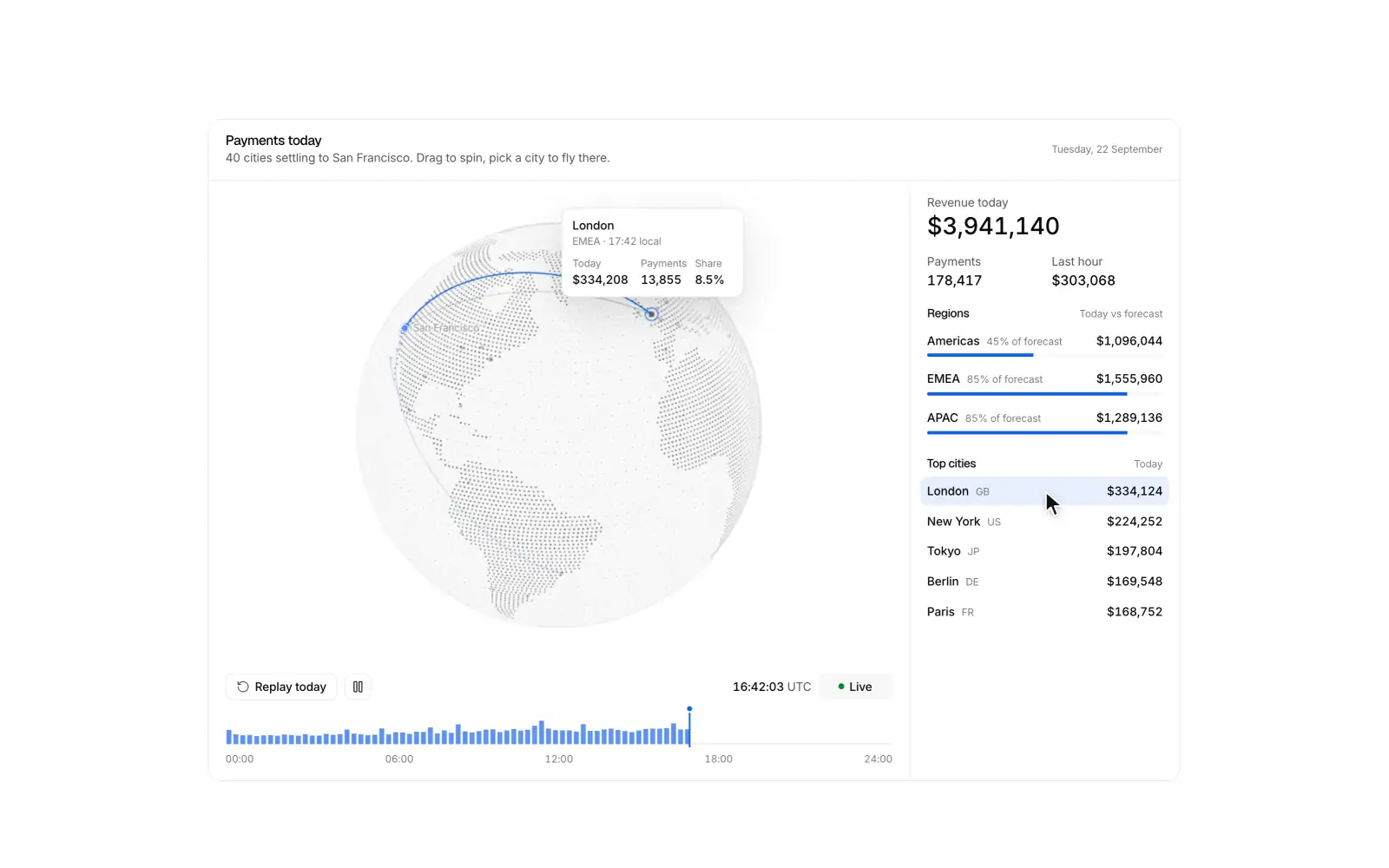
RRevenue globe Pro
A dotted globe where live payments arc home to headquarters, with a replayable day.
 C
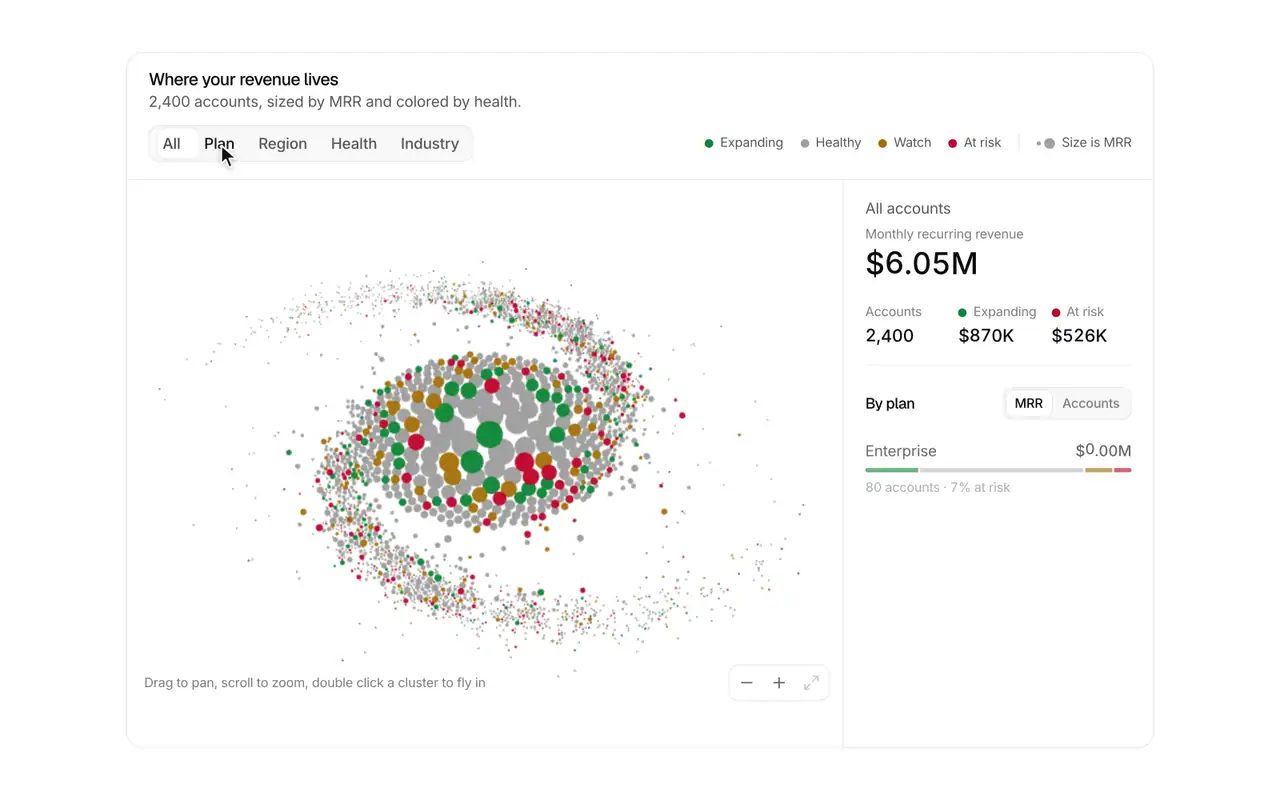
CCustomer galaxy Pro
2,400 accounts as a drifting galaxy that spirals into clusters by plan, region or health.
Semantic zoom Pro
An infinite-zoom map of a company that reveals teams, projects, tasks and people as you fly in.
 L
LLayout morph Pro
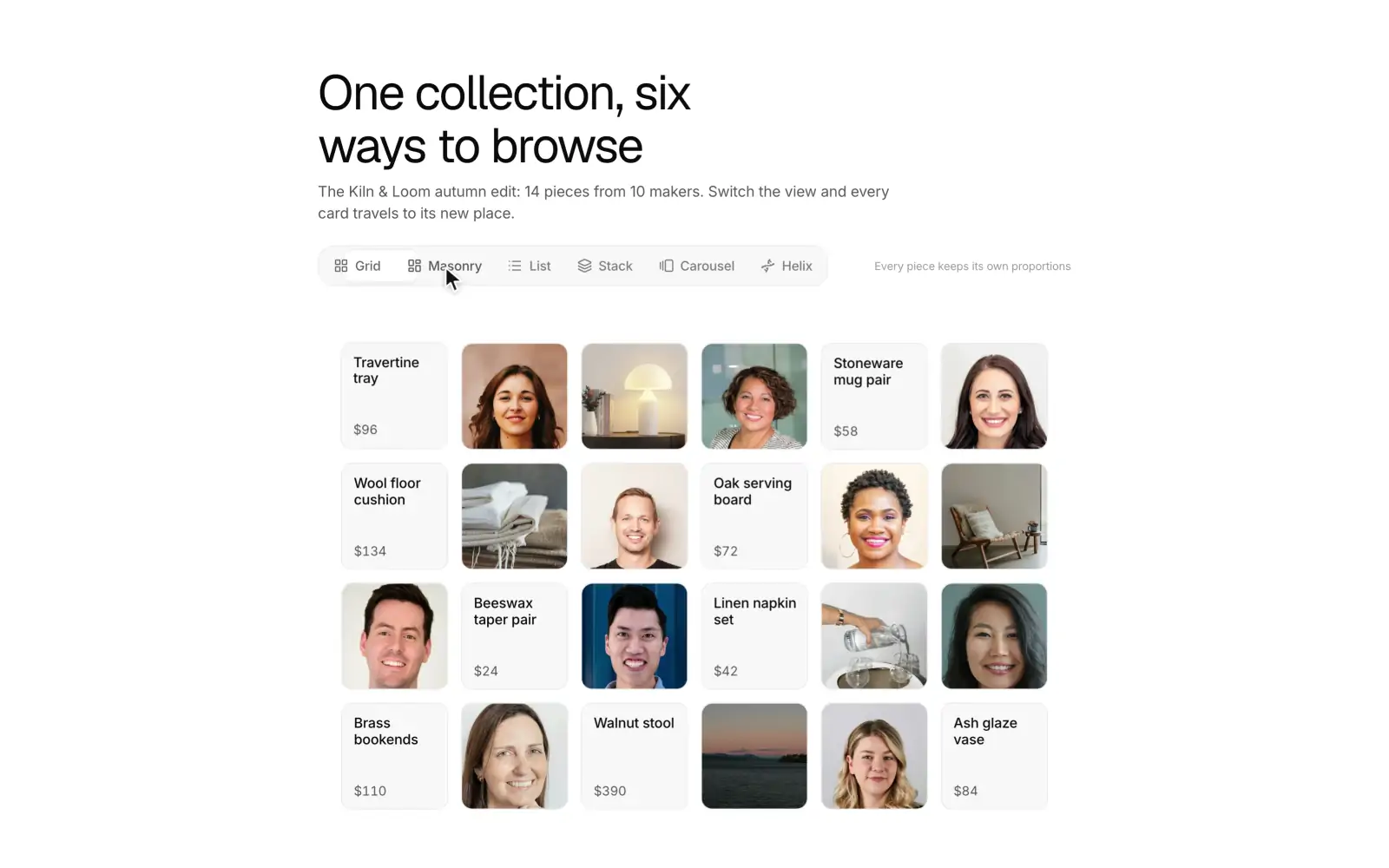
A 24 card gallery that flies between grid, masonry, list, fan, carousel and a 3D helix.
Agent run Pro
A single card that follows one AI coding agent through a task: steps stream in with the live one shimmering, tool calls open in place, and the agent stops on a two-file diff for you to approve or send back before it writes. When the run ends, the steps fold into one line and a result shows the files changed, the checks that passed and a pull request button.
Week calendar Pro
A week calendar where you drag to create, move, and resize events, with color coded calendars, day and agenda views, and swipes on phones.
Scroll story Pro
A feature section where scrolling the copy drives a pinned product view through each step.
Spotlight grid Pro
A feature grid where light follows the pointer, cards play live demos, and a click morphs a card into its detail.
Invite people Pro
Invite teammates with roles, bulk paste validation, a seat meter, and avatars that fly into a pending list.
Cart drawer Pro
Products fly into the cart, counts roll, and a drawer handles quantities, shipping progress, and checkout.
Pricing calculator Pro
A seat slider and billing toggle drive plan cards with rolling prices and a moving recommended badge.
 A
AAI chat Pro
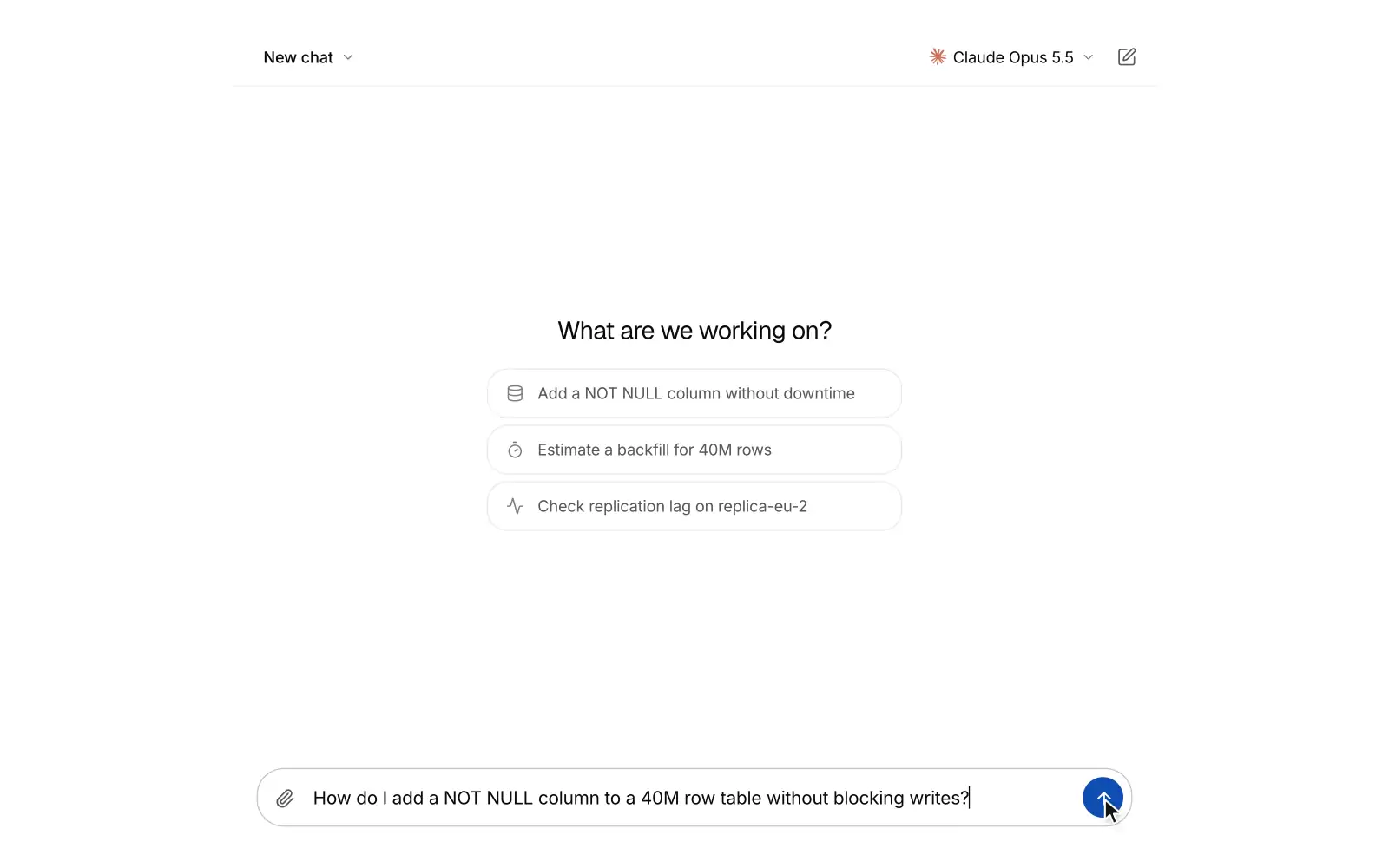
A full-screen AI chat where answers stream in as markdown with folding reasoning, tool chips and cited sources. People can switch chats and models, edit or retry a message into versions, rate replies and stop a reply mid-stream.
Checkout summary Pro
An order summary with a promo code that becomes a chip, discount and tax lines, and pay button states.
Site header Free
A sticky website header that turns solid on scroll, with a gliding active link, mega menu panels, and a mobile sheet.
Site footer Free
A website footer with link columns and newsletter, a minimal layout, and a large fading Xzero mark.
Hero section Free
Three full screen SaaS heroes: a live dashboard rising from the bottom edge over a drifting mesh, a workflow graph that routes sample events node by node, and editorial type over a mesh gradient.
FAQ section Free
FAQs as an accordion, a topic rail, or a searchable list that highlights matches.
Contact section Free
A validated contact form that morphs into a confirmation, support channels, and office cards with local times.
 S
SSettings command Pro
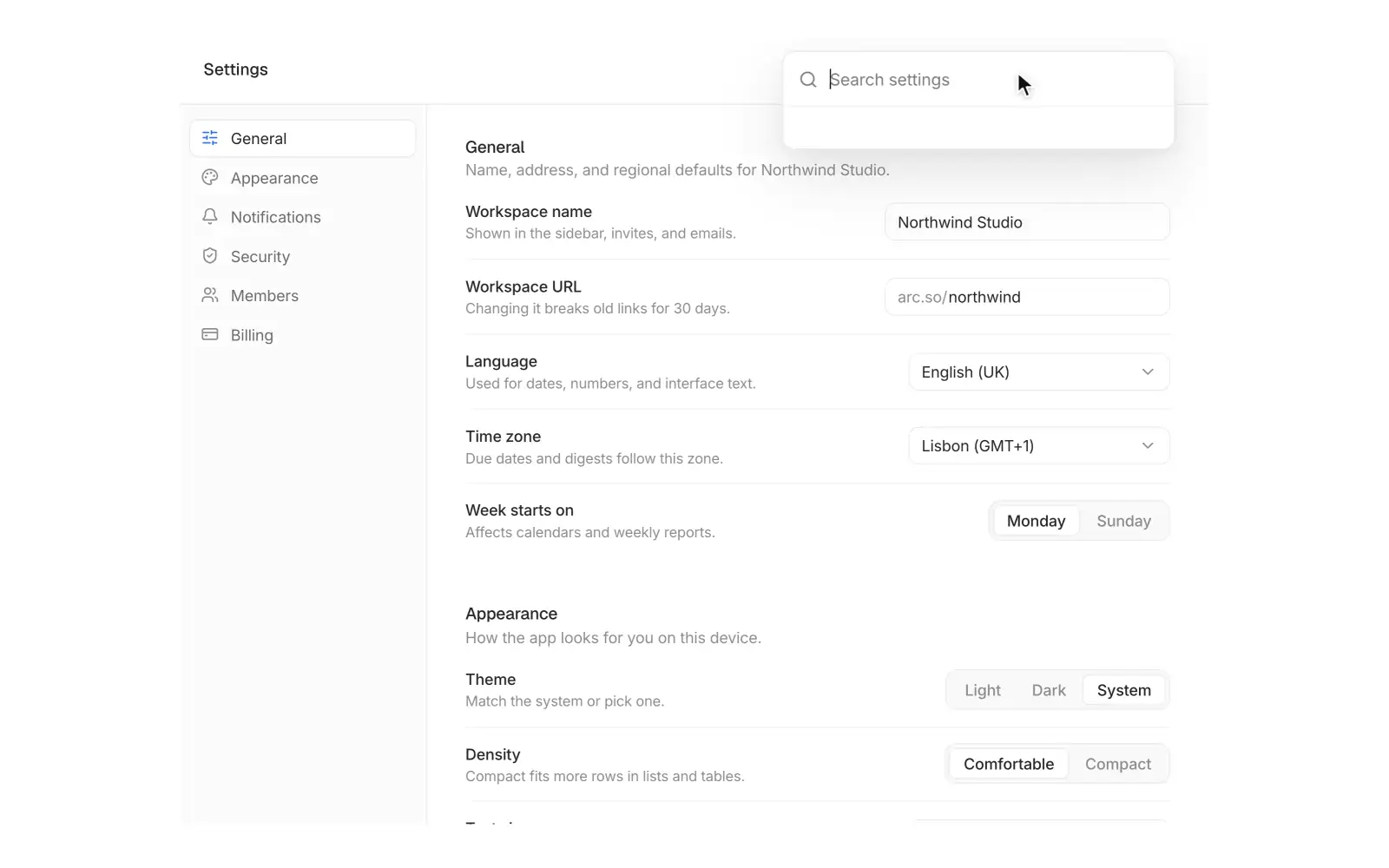
Workspace settings where a search field grows into a palette that flies you to any setting.
 L
LLive checkout Pro
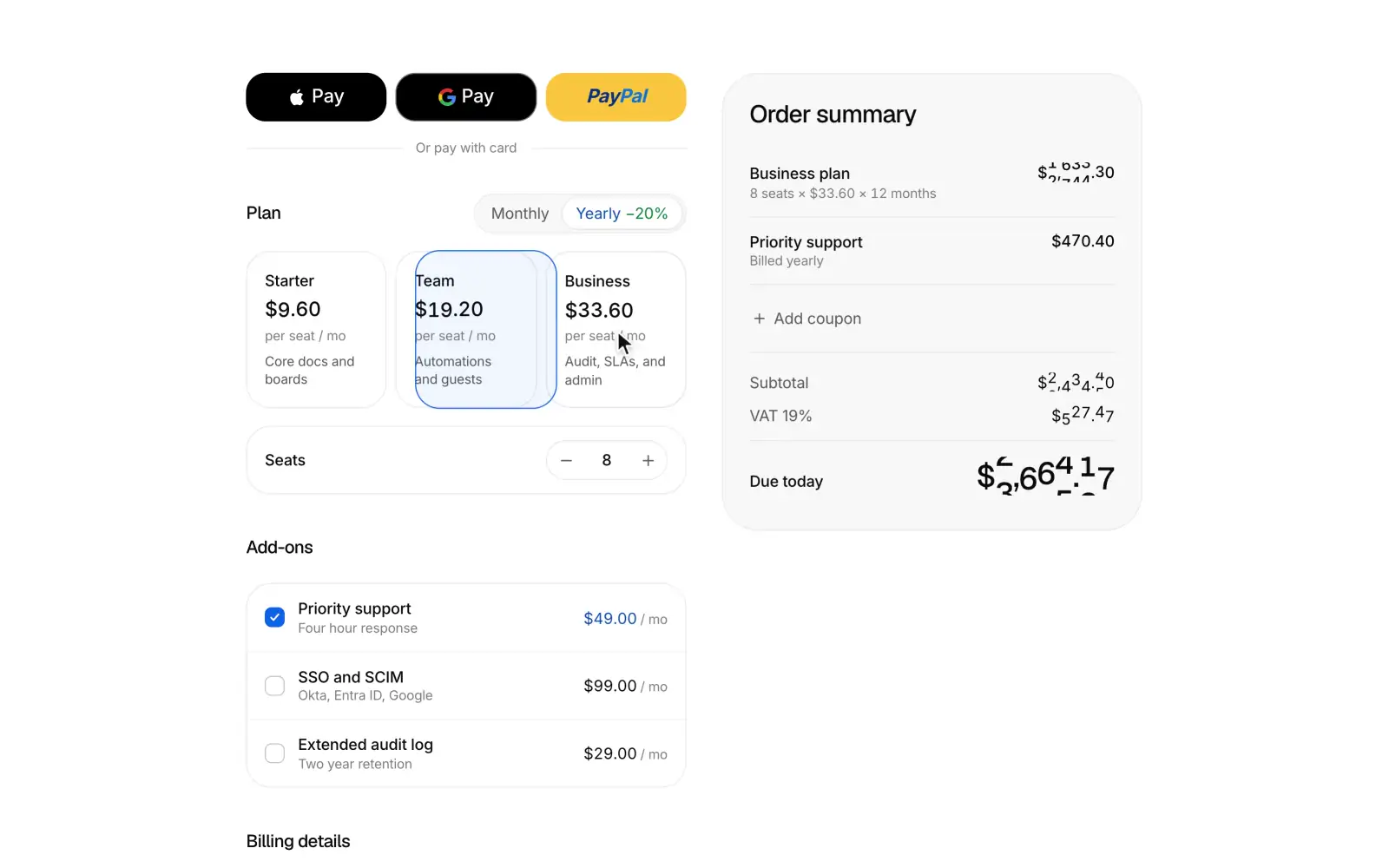
A subscription checkout whose summary recomputes as you edit, then glides to the centre and unfolds into a receipt.
 K
KKanban board Pro
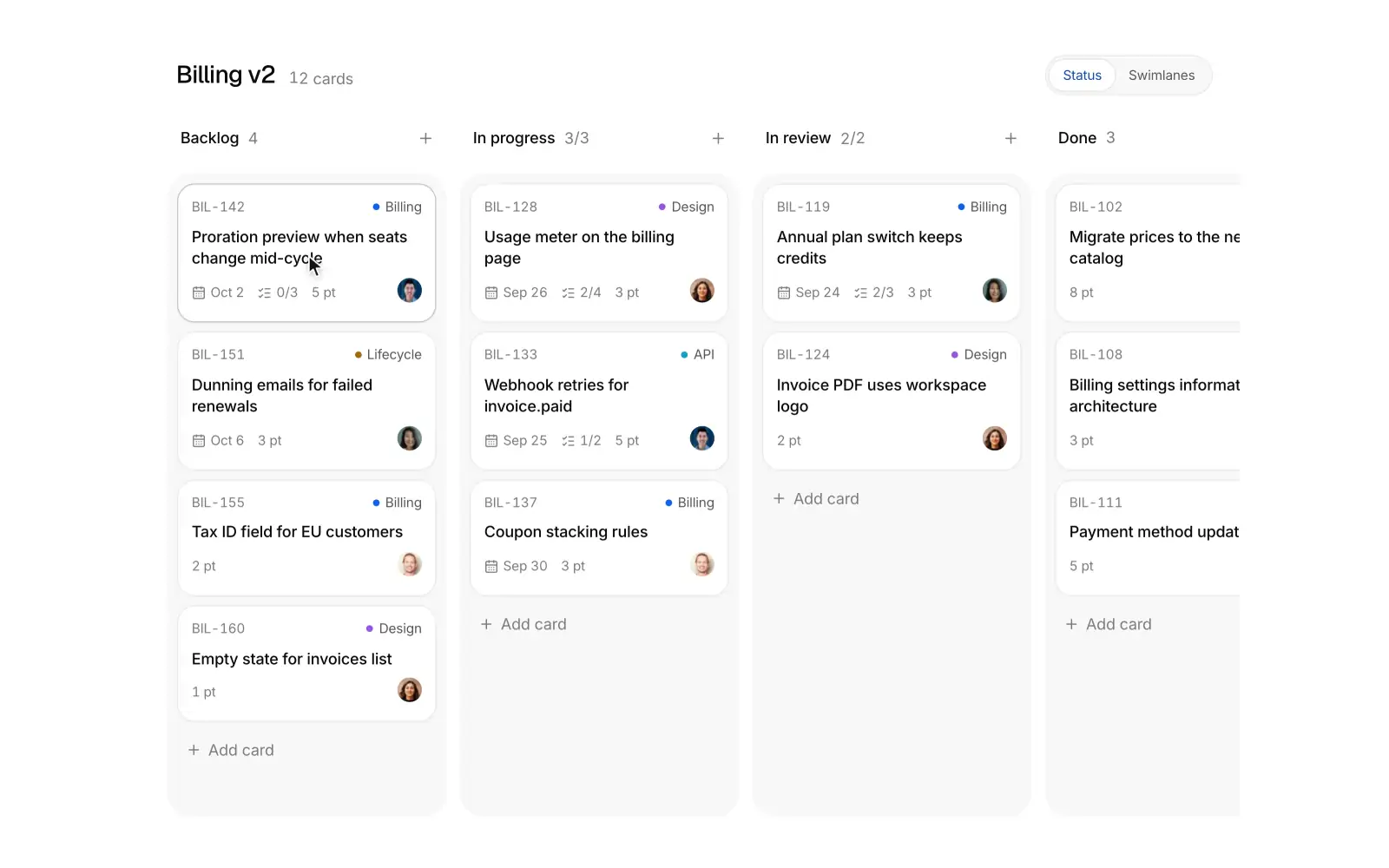
A kanban board where cards lift, tilt and spring into the slot that opens for them, with swimlanes and live WIP limits.
Usage billing Pro
A usage based billing dashboard with a projected spend line, meters against limits, alerts, and an upgrade that morphs into a confirm sheet.
Activity feed Pro
A team activity feed grouped by day on a quiet avatar timeline, with a type filter, a live new updates button, expandable details, and a mark all read sweep.
AI side panel Pro
An assistant docked beside a page that reads it and edits it: ask about the page or a selected passage, review each edit as a word diff, and apply it with a tint sweep on the page and one-click undo.
Research run Pro
Deep research that plans searches, reads sources with their marks, and streams a cited answer where every chip lights up the sentence it supports.
KPI drilldown Pro
KPI cards that expand into a full detail chart with period comparison and a breakdown table, then fold back.
Blog grid Free
A blog index with a featured post, category filter, post cards, pagination and an in-place reader.
Comparison table Free
An us versus them table with a sticky header, a highlighted column, and a stacked phone view.
Feature bento Pro
A six cell feature bento where small, real product UI acts each feature out on hover.
Stats band Free
Headline numbers that count up in view, each with a tiny visual that proves it and a context line on hover, plain or in a hairline grid.
CTA section Free
A call to action as a centered closing section, a split beside a setup card that completes itself, or a dismissible banner.
Newsletter signup Free
An email signup framed by a stack of past issues; subscribing drops the next issue, addressed to you, onto the front.
Product listing Pro
A storefront grid with price, color and size filters, a sort menu, hover photo swaps, and quick add with a size row.
Product detail Pro
A product page with a swipeable gallery, finish and size variants, add to bag that confirms in place, shipping, a reviews summary, and details.
Feedback board Pro
A feature request board with a submit form that finds similar requests, upvotes, top and new sorting, status filters, and comments.
Profile page Pro
A user profile with cover, bio, stats, activity and project tabs, and an edit sheet that writes back into the page.
Help center Pro
A help center with instant search, topic cards, and popular articles that open into a readable article with an outline and feedback.
Hero signup Pro
A full screen waitlist hero on a soft, drifting mesh gradient: the email field validates as you type and its button grows into the confirmation with your place in line.
Search results Pro
A faceted workspace search page with suggestions, facet counts that follow the query, filter chips, mixed doc, person and file results with highlighted matches, a gliding keyboard cursor and a preview pane.
Environment variables Pro
An environment variables and secrets manager with masked values, per-environment scope toggles, .env paste import with duplicate and invalid key warnings, write-only sensitive values, an environment diff by fingerprint, and a redeploy banner.
Market terminal Pro
A trading terminal with a canvas candlestick chart, volume, moving averages, crosshair OHLC readout, wheel, drag and pinch zoom, a live watchlist with sparklines and flashing prices, and a market and limit order ticket.
Budget variance Pro
Budget against actual operating spend by department as aligned bullet charts, with favorable and unfavorable variance, a month, quarter and year to date switch that springs every bar, in-place drill-down into budget lines, and a total row.
 C
CChoropleth explorer Pro
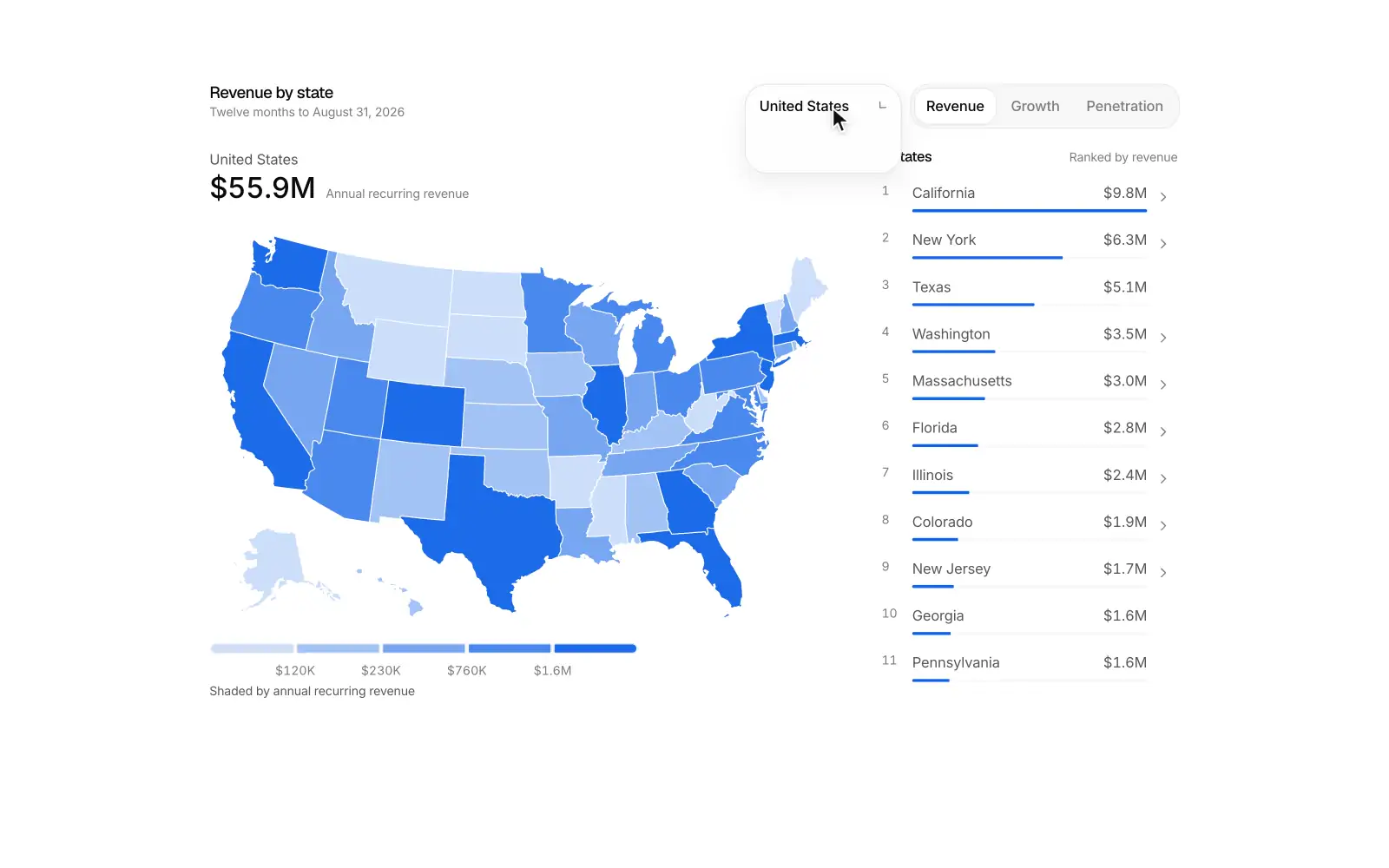
A filled-region map that shades every state or region by revenue, growth or penetration on a stepped scale, with a country switch (United States, Canada, Brazil, United Kingdom, France, Germany, Italy, Australia), a hoverable legend, a synced ranked list and a camera zoom into local detail.
Small multiples Pro
A trellis of small line charts that reads as one chart, with a synced crosshair, a shared or independent y scale that springs the axes, sorting with a FLIP reorder, a ghost of the overall total behind every panel and dimming for flat trends.
Connected scatter Pro
A connected scatterplot of monthly CAC against LTV where the path draws itself in, a scrubber moves a head along the curve, and a channel switch morphs the path against a shaded 3x target line.
 H
HHorizon chart Pro
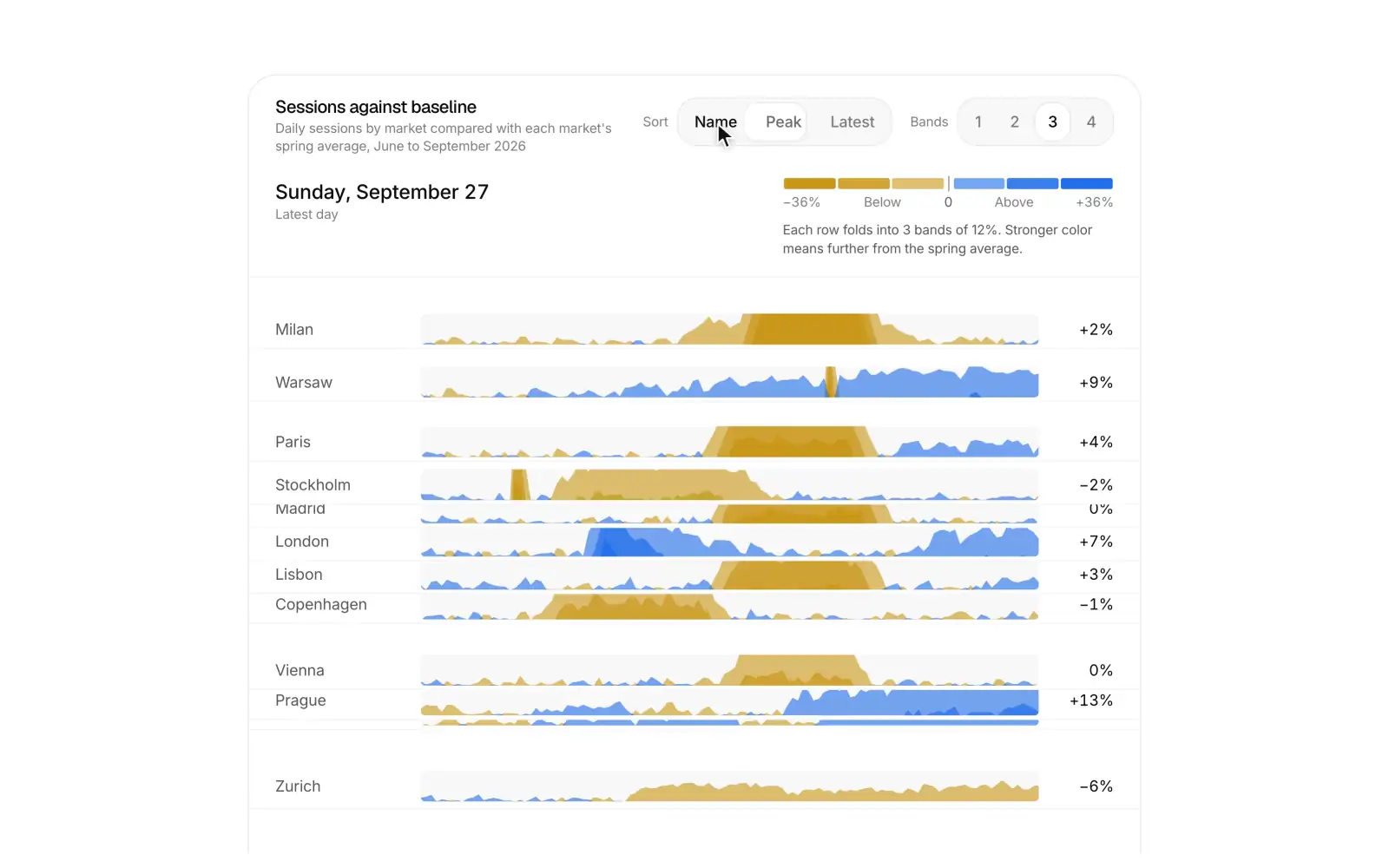
A horizon chart that stacks fourteen daily series as compact folded rows, with a synced crosshair, a sort by name, peak or latest, a band count setting that folds every row on one spring, and a legend that explains how to read the bands.
Line replay Pro
A time replay line chart that draws a day of traffic with a moving playhead, a value label on the tip, a scrubber, speed control and key moments annotated as the playhead passes them.
Exploded view Pro
A scroll driven exploded view where a live phone screen built from five CSS 3D layers lies back, separates in depth with labels that follow each layer, takes each layer into focus, and then reassembles.
AI answer Pro
One AI answer set like a clean article: it thinks, shows its sources as small cards with colored marks, and streams a formatted answer where every citation lights the sentence it supports. Copy, regenerate with options, rate, share, page through versions and ask a related question in place.
Model picker Pro
A model picker in one quiet pill: open it to choose from featured models with a one line note each, set the reasoning effort, or browse every other model by provider, and the pill swaps to your choice in place.
Model arena Pro
A blind side by side model comparison in one card: send one prompt to two models, watch both answers stream at the same pace, vote for the better one, then reveal which model wrote each.
Prompt studio Pro
One card for editing, testing and shipping a prompt template: variables as chips with sample values, a test run against the chosen model, and versions you can compare and promote to production.
Document extraction Pro
Turns a document into typed data with a model and shows where every value came from: fields fill in as the page is read, and hovering a value lights its source on the PDF.
Agent memory Pro
One card for what an assistant remembers about you: filter and search memories, edit or forget one in place, and turn saved memories and chat history on or off.
Agent tasks Pro
A home for background coding agents: start a task on a repository and branch, watch each card move from queued to running to ready for review, and open a pull request from the result.
Agent approvals Pro
One approval card for agents: the waiting tool call reads like a permission prompt with the tool's mark, the agent's reason and its arguments, and you approve, deny or allow it from now on.
Agent routines Pro
Scheduled agents in one card: each routine reads as a sentence with its schedule, next run countdown, connectors and destination, and opens smoothly to edit or run it now.
Agent orchestrator Pro
A lead agent splits a goal into a plan, fans the subtasks out to parallel worker lanes and merges what comes back, with each lane's model, progress and result in view.
MCP servers Pro
Manage the MCP servers that give an agent its tools: see what the enabled tools cost in context, connect or pause a server, and switch single tools on or off.
Knowledge base Pro
A retrieval knowledge base in one card: add sources and watch them parse, chunk, embed and index, then test a question and see which chunks come back and why.
Eval suite Pro
Run an evaluation suite on a new version of an LLM feature against its baseline: results stream in case by case, and regressions and fixes are called out with the cases behind them.
Agent builder Pro
A card for setting up an AI agent: an inline editable name, a model picker, instructions, tool toggles with real app marks, and knowledge files with upload progress. A Configure / Test switch opens a compact chat that answers with the tools you turned on, and Publish ships the setup with a saved or unsaved state.
AI insight card Pro
A KPI card that explains itself. Explain streams a short reason for the change and ranks three drivers with contribution bars. A numbered annotation lights up on the sparkline as each driver is read, and follow-up chips ask the next question in place.
Catch up Pro
A catch me up digest for when you return, where one button reads Slack, Linear, GitHub and Gmail for the range you pick and streams back a short ranked summary: Needs you, Decisions made, Shipped and FYI. Each item is one sentence with its source mark, people and a jump link, and marking items as read clears them with a smooth collapse.
Agent gallery Pro
A marketplace card of AI agent templates where you filter by team, search by agent or app, preview a sample run and install an agent inline: choose a workspace, grant access app by app, and the card confirms with a check.
AI feature launch Pro
An in-product launch card for an AI feature. A looping mini demo plays above a three-step tour (inline rewrite, thread summary, ask your workspace), with benefit rows, an admin-gated "Enable for my workspace" switch, and Try it now and Learn more actions.
AI search bar Pro
A search card for an app or docs, where typing lists grouped results right away (Docs, Customers, Issues) and pressing Tab streams a short AI answer on top. The answer's numbered citations point to the results below it.
AI setup wizard Pro
A three-step setup card for turning on an AI feature. You connect Notion, Google Drive, Confluence or Zendesk and watch each one sync. Then you pick the model, tone and guardrails, and ask a test question whose answer streams with numbered citations before you go live.
Smart scheduler Pro
A scheduling card where one sentence like "Find 30 min with Maya and Leo next week, mornings" is read into chips. The three best slots are then ranked across everyone's Google Calendar and Outlook calendars, with an availability strip per person and conflicts called out. Picking a slot opens a draft invite with a Google Meet link, ready to send.
Task breakdown Pro
A goal input where AI breaks one sentence into a plan: tasks stream in with estimates, owners and dependencies, and a live timeline shows whether the deadline holds. Reorder, edit or regenerate any task, then send the plan to Linear or Jira with progress for each issue and links.
Call insights Pro
A sales call insights card where talk time, flagged pricing, competitor and objection moments, an AI summary and owned next steps sit in one view. Selecting a moment plays its quote, and checking off next steps lowers the deal risk.
Lead scoring Pro
A lead scoring card where inbound B2B leads are ranked by an AI fit score, each with a score ring and a one-line reason. Open a lead to see its signals and score breakdown, then push it to HubSpot or Salesforce.
Domain verify Pro
A custom domain setup card where customers add a domain and copy the DNS records. A live checker then polls resolvers, marks each record valid, not found or misconfigured with a one-line fix, and finishes with the domain verified and the SSL certificate issued.
Two-factor setup Pro
A two-factor setup card where you scan a real, working authenticator QR code, type the 6-digit code into slots that move to the next box on their own, and save your backup codes before it turns on. Every step shares one fixed-size card, so it moves between steps with a short slide and never changes size.
Onboarding survey Pro
A post-signup onboarding survey where each question gets its own step of large option cards, picked with keys 1 to 4 and Enter. A short personalization checklist then ticks off and lands on an editable "You're all set" summary.
Webhook tester Pro
A developer webhook tester where you pick an event, edit its JSON payload and send a signed test event. You watch it go from signed to sent to 200 OK in 184 ms, then read the response body, headers and exact request, and retry failed deliveries from a recent list.
Seat manager Pro
A team seats and billing card where avatars and a seat meter show members, invites and open seats against what you pay for, a stepper rolls the prorated charge for today and the new monthly total live, and changes go through a confirm step before anyone is charged. Pending invites can be resent or revoked with undo, and when every seat is taken the card says so and offers to add one.
Account health Pro
A customer success card where a health score gauge, a renewal countdown and five sourced signals with sparklines lead into an AI risk summary and one recommended next step, like scheduling a QBR before usage slips further.
Magic link Pro
A passwordless sign in card where an email with inline validation and typo fixes sends a magic link, and the card crossfades in place to a check your inbox step with a sealing envelope, Gmail and Outlook shortcuts and a resend countdown. Google and GitHub sign in sit above, with their real marks.
Feature voting Pro
A public feature request board where votes roll digit by digit and the button fills with the accent. Top, New and Trending reorder the rows with one smooth move. A built-in composer suggests similar requests as you type, so people vote instead of posting duplicates.
Credit top-up Pro
A card for buying AI credits. It shows the balance with a 14 day usage chart and how many days are left, three preset packs with bonus badges, a custom amount slider with a live price, auto top-up with a threshold and the saved Visa or Mastercard. When you buy, the new balance rolls in like an odometer.
Goal tracker Pro
A team goals card where objectives open into key results with owners, confidence and progress bars. A weekly check-in updates a value, confidence and note in place, fills the bar and recalculates the objective, and a quarter selector steps from last quarter's final scores to next quarter's planning.
Spend alert Pro
A budget and spend alert card where the threshold is set right on the live spend bar, with forecast, Email, Slack and PagerDuty toggles, a hard stop and a live preview of the Slack message the alert will post.
Xzero CRM Pro
Relay, a clean CRM for sales teams: companies, company records, people, a deals pipeline and a linked inbox